
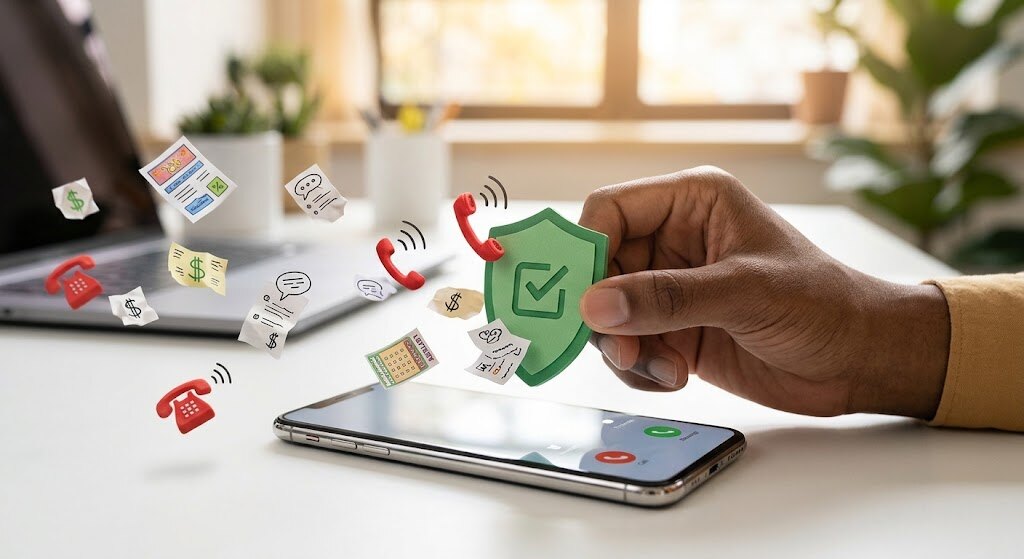
Your phone should connect you with people, not interrupt dinner with fake delivery alerts and mysterious sales pitches. You do not have to sign up for spam calls to receive unwanted calls or texts. The practical response is to filter, verify, block, and report, not engage with suspicious senders.
This guide explains how to stop spam calls using phone settings, carrier tools, and official reporting channels. Registry and regulatory guidance here applies to the United States; readers elsewhere should consult their local telecom regulator.
- What Does “sign up for spam calls” Mean?
- Start With Verification, Not Conversation
- Switch On Your Phone’s Defenses
- How to stop spam texts safely
- Register for Fewer Lawful Sales Calls
- Understand What Network Protection Does
- Reduce Future Exposure Without Chasing Promises
- Conclusion
- Frequently Asked Questions
What Does “sign up for spam calls” Mean?
Marketing subscriptions should reflect informed permission. Spam is unwanted communication; fraudulent messages may impersonate trusted organizations. Receiving either does not, by itself, prove you knowingly subscribed.
A recorded voice tells you how a message is delivered, not whether its claims are true. Keep expected service updates separate from unsolicited sales messages, and verify unexpected requests independently before acting.
Searches for “how to sign someone up for spam calls” can involve harassment, not harmless entertainment. Never submit another person’s number without permission. A supposed spam call sign up service is not a privacy solution. Your goal is to reduce exposure, not create more unwanted contact.
Start With Verification, Not Conversation
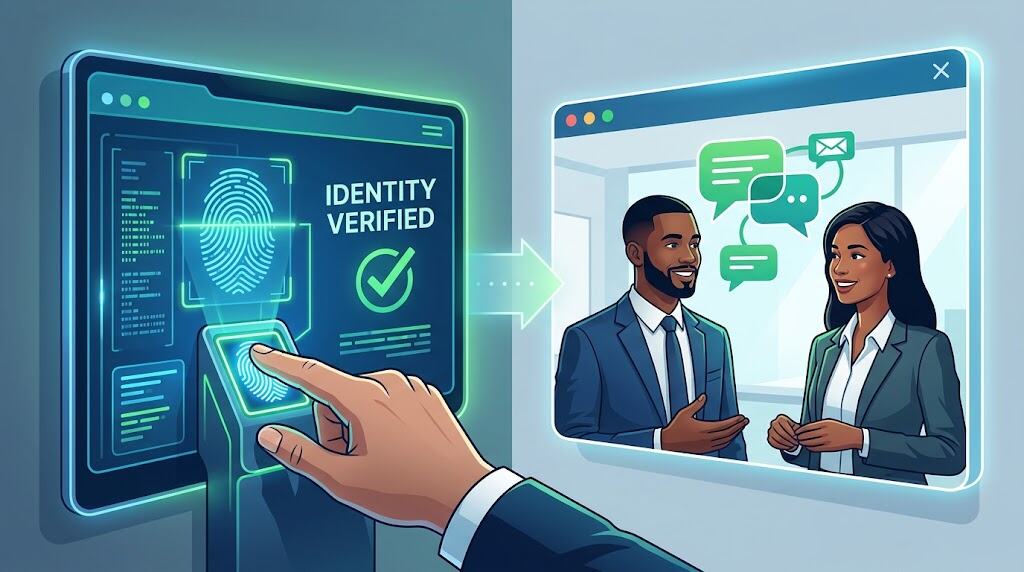
Let an unfamiliar caller leave voicemail. If someone claims to represent your bank or a government agency, contact that organization through its official website or an existing statement. Do not trust the number displayed on your screen: caller ID spoofing can disguise the source.
If somebody threatens to sign up for spam calls using your number, preserve the messages and dates. Documenting the pattern gives your carrier context without exposing your number on public complaint pages.
For persistent problems, keep a short log of the date, displayed number, and message content. Do not publish verification codes or account details when seeking help. Use your carrier’s official support channel, not a number supplied by the suspicious caller.
Switch On Your Phone’s Defenses
Start with moderate filtering rather than rejecting every unfamiliar number. If you are waiting for a delivery, interview, or medical callback, check voicemail and filtered lists. Save verified numbers afterward. The right setting should reduce disruption without making you unreachable.
Block spam calls on iPhone
On supported software, open Settings, then Apps, then Phone. Under Screen Unknown Callers, choose Ask Reason for Calling or Silence where available. Screening asks the caller why they are calling; silencing sends unsaved callers to voicemail. Save essential contacts first so you do not overlook an unfamiliar medical or school number. Options depend on software and availability.
Block spam calls on Android
In Phone by Google, open the menu, Settings, then Caller ID and spam. Enable caller identification and the available spam filter. Devices with automatic Call Screen use different controls, so follow the options actually shown. Review filtered calls and voicemail periodically; a filter is a sorting tool, not proof that every blocked caller is fraudulent.
How to stop spam texts safely
Never tap an unexpected payment, parcel, or account verification link. Open the company’s app or type its known website address yourself. Do not send passwords, payment details, or verification codes in response to an unsolicited message.
If you think you accidentally agreed to sign up for spam calls or marketing texts, distinguish a recognizable business from an unknown sender. For a genuine subscription, withdraw consent through the company’s verified account settings or legitimate unsubscribe process. Do not reply to a suspicious stranger just because their text mentions STOP.
To report spam texts, use your messaging app’s reporting option. Many U.S. carriers also accept forwarded messages at 7726; check whether yours supports it. Report before deleting, then block the sender. These steps do not guarantee that different numbers cannot contact you.
Register for Fewer Lawful Sales Calls
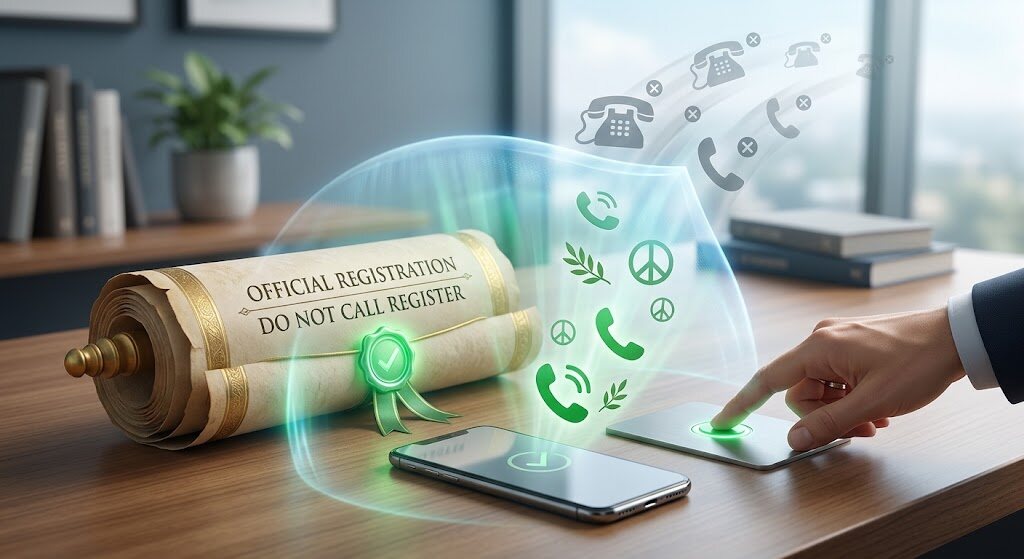
The National Do Not Call Registry is free at DoNotCall.gov and covers personal home and mobile numbers. Businesses following the rules can take up to 31 days to stop sales calls after registration. It does not physically block calls or make scammers comply. Political calls, surveys, and certain other categories can remain permitted.
If you did not sign up for spam calls, registration is still worth considering. Treat it as one layer, not an automatic shield against every unwanted interruption.
Understand What Network Protection Does
Ask your carrier about robocall blocking before paying for extra software. Compare costs, privacy policies, and filtering controls. Some call blocking apps may access your contacts; choose permissions deliberately rather than assuming more access means better protection.
At the network level, STIR/SHAKEN uses digital signatures to help carriers authenticate caller ID information on compatible internet-based voice networks. It checks number-related identity information, not whether a conversation is honest. Older network segments can limit authentication, so a reassuring label is not permission to share sensitive information.
Even people who never sign up for spam calls still benefit from independent verification. Authentication, filtering, and human judgment solve different parts of the problem.
Blocking a single number addresses one source; it does not remove your number from marketing databases. Review the difference between silencing, screening, and rejecting calls before choosing a service, because those settings change what reaches your attention.
Reduce Future Exposure Without Chasing Promises

Read consent wording before sharing your number, and leave optional marketing boxes unchecked when you do not want promotions. Review businesses’ privacy and information sharing policies before providing personal details.
If you searched “how to sign someone up for spam calls” because somebody targeted you, focus on evidence, provider support, and unwanted call complaints. Do not retaliate by targeting their number.
U.S. readers can submit illegal call or text complaints through the FCC’s official portal. Keep supporting details available, including whether your own number was spoofed. A complaint can inform enforcement; it does not guarantee an immediate end to unwanted contact.
Promises to erase every trace of a number deserve skepticism. You should never need to sign up for spam calls to test whether protection works. Start with built-in tools and assess what actually changes before purchasing anything.
Conclusion
You cannot control every caller, but you can control how your phone handles interruptions. Verify unexpected claims, enable practical filters, withdraw unwanted marketing permission, and use official reporting routes. Whether you mistakenly agreed to sign up for spam calls or never consented, the goal is the same: fewer interruptions without missing the calls that matter. Begin with one protective setting today, then build a routine you can maintain.
Frequently Asked Questions
Does registry registration expire?
No. The FTC says registration does not expire. A number can be removed if it is disconnected and reassigned, or if you request removal.
Must I register again after an area code change?
If your telephone company changes your area code, the FTC says you do not need to register again; the new number is registered during the transition.
Can a traditional home telephone get protection?
Yes. A traditional landline can use a compatible blocking device. Internet-based home telephone services have different provider and software options; ask which service you have.
Why does Google request information about calls?
Google explains that its caller identification feature may send numbers outside your contacts to Google to identify businesses or detect spam. Review that data tradeoff before enabling it.
What if I already paid a scammer?
Contact the bank, card issuer, or payment provider immediately and ask whether the transaction can be reversed. Keep receipts and report the fraud; recovery is not guaranteed.
