
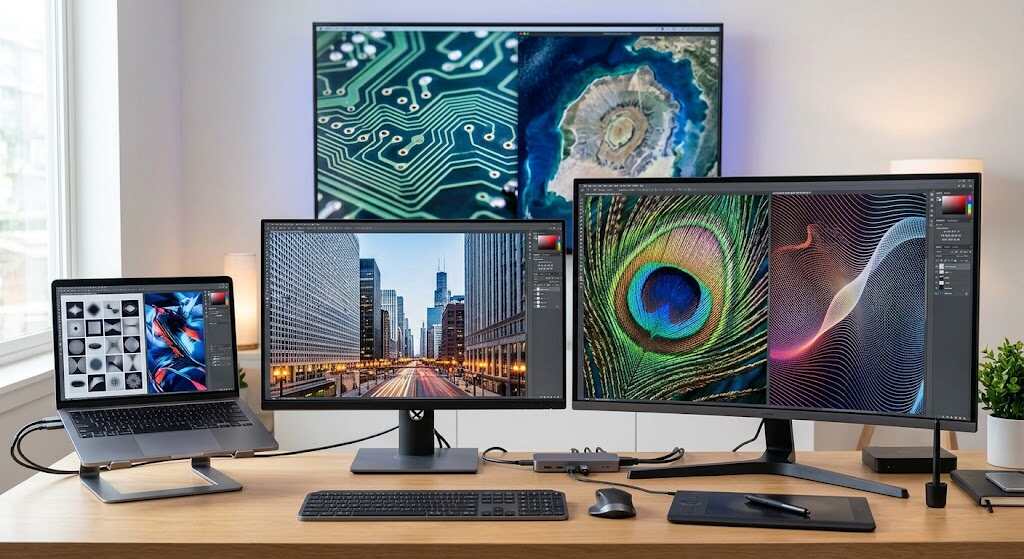
Shopping for a monitor gets confusing when bigger screens promise sharper pictures. Yet a larger display can make text look rougher, not clearer. Understanding screen resolution helps you buy for your eyes, desk, and daily work rather than the biggest number. Compare familiar documents, not just showroom videos.
What 1920×1080 Actually Tells You
Screen resolution is the number of pixels arranged across a display’s width and height. A 1920×1080 screen has 1,920 pixel columns and 1,080 rows: 2,073,600 pixels altogether. That is Full HD, commonly called 1080p resolution. The “p” means progressive scanning, not pixels. The measurement describes detail capacity, not physical inches.
There is also a useful distinction between native resolution, the panel’s fixed pixel grid, and the output resolution your computer sends. Selecting a different setting changes the signal, not the panel’s physical pixels.
Screen Resolution Table: From HD to 8K
These common display resolution formats cover many monitors, laptops, and televisions, but not every phone, tablet, or specialist panel.
| Format | Pixels | Typical use |
|---|---|---|
| HD | 1280×720 | Basic video |
| Laptop HD | 1366×768 | Older laptops |
| Full HD | 1920×1080 | Everyday computing |
| WUXGA | 1920×1200 | Taller workspace |
| QHD | 2560×1440 | Balanced desktops |
| Ultrawide | 3440×1440 | Side-by-side work |
| 4K UHD | 3840×2160 | Fine detail |
| 5K | 5120×2880 | Detailed creative work |
| 8K UHD | 7680×4320 | Specialist displays |
Screen size means the diagonal measurement in inches. Aspect ratio describes shape: 16:9 is widescreen, while 16:10 adds vertical room. Neither is another name for screen resolution.
For example, 1920×1200 adds 120 vertical pixels over Full HD. At equivalent scaling, that means more space for document lines, spreadsheet rows, or browser content without adding horizontal pixels.
Why Bigger Screens Can Look Less Sharp
Compare identical 1080p resolution on 24-inch and 27-inch monitors. RTINGS lists approximately 92 versus 82 pixels per inch (PPI). The larger panel spreads the same pixels farther apart, so text can look coarser at the same distance.
For spreadsheets, a 27-inch QHD monitor is a sensible middle ground. For detailed editing, 4K resolution offers finer detail. However, screen resolution alone cannot guarantee accurate colors, strong contrast, or comfortable reading.
Weigh viewing distance, too: a television across the room does not need the same pixel density as a desktop display inches from your face.
Fix Blurry Text Before Buying Another Monitor
In Windows 11, open Settings, System, then Display. Choose the recommended display resolution. If text looks tiny, increase Scale instead of lowering screen resolution; Microsoft warns that running below native resolution can soften text or stretch the picture.
A real example appears in Microsoft Q&A: in 2025, user Sena reported a second monitor dropping from 1920×1080 to 1024×768 after an update. That is one user’s account, not a verified diagnosis, but it illustrates why unexpected changes deserve troubleshooting.
Before spending, reopen a familiar document, confirm the panel’s native setting, and compare text at your normal seating distance. Check connection and driver settings if expected options disappear.
Check your laptop, dock, and cable specifications before ordering: all must support the intended resolution and refresh rate.
Five FAQs About Screen Resolution
Is 1920×1080 good enough today?
Yes. For email, streaming, and budget gaming, 1080p resolution remains useful, especially on smaller desktop monitors. Choose sharper options when close-up text clarity matters more.
Is 4K twice as sharp as 1080p?
4K resolution doubles both dimensions of Full HD, producing four times as many pixels. Whether you notice the difference depends on screen size, viewing distance, and content.
What screen resolution is best for gaming?
Match your graphics card and priorities. Higher pixel counts increase rendering demands; competitive players may prefer higher frame rates over extra detail. Refresh rate measures updates per second, not pixel count. A 1080p screen running at 144Hz may feel smoother than a 4K screen limited to 60Hz, even though it draws less detail.
Does changing display resolution improve video quality?
Not automatically. A low-quality source cannot supply missing original detail simply because your display has more pixels. Higher-resolution content and suitable streaming settings matter, too.
Should everyone buy a 4K monitor?
No. 4K resolution suits detailed work, but scaling, budget, and software compatibility matter. Test your everyday apps before choosing a higher screen resolution.
Conclusion: Buy for Your Eyes, Not the Label
The best screen resolution is the one that makes your actual tasks comfortable without wasting money or overloading your computer. Start with your screen size, viewing distance, and workload; then check native resolution and scaling. A readable document and smooth game are better buying evidence than a glamorous specification.
