
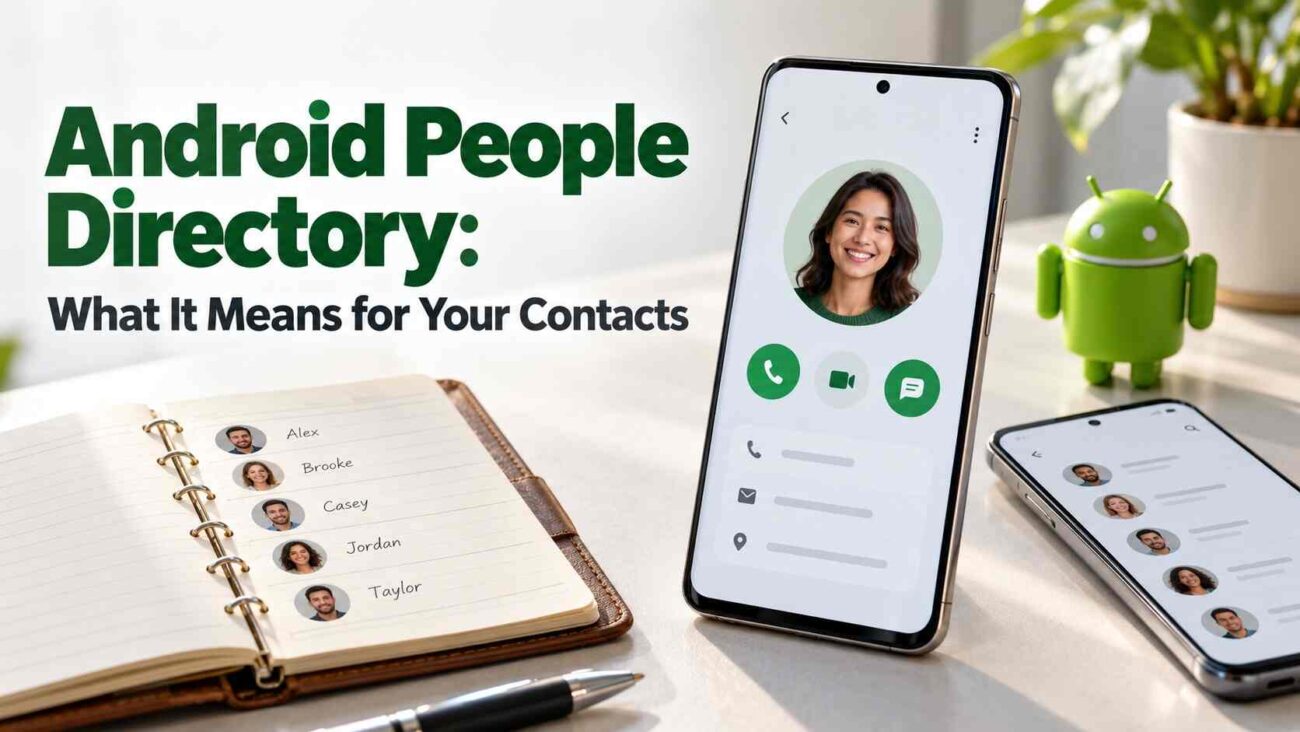
Why should a messaging app need permission to rewrite your address book just to offer a call button? Android People Directory addresses that awkward relationship between connecting with people and changing their saved details. This guide explains what it does, how it differs from contact sharing, and what you can check while support develops.
What Is Android People Directory?
Android People Directory is a system framework that helps compatible calling and messaging apps make their users reachable through Android’s communication interfaces.
The technical foundation is the PeopleContract API. Participating apps supply information about people, groups and supported communication actions. Android’s People Provider gathers and caches those records so authorized dialers, contacts apps or system interfaces can retrieve them.
Think of it as a route to someone inside a service. Your saved phone number and the service’s calling option serve different purposes.
How Calling and Messaging Could Change
The practical goal is to offer actions such as calling or messaging through an app without that app inserting extra entries into your contacts.
A Simple Example
Imagine opening a colleague’s contact and seeing an internet-calling option from a compatible work app. Selecting it could start the conversation through that service.
This is an illustrative scenario, not confirmation that a particular app already supports the feature. Your operating system, calling interface and messaging service must work together.
The benefit is easier access to communication options with fewer reasons for apps to modify your address book.
When Will the Feature Arrive?
As of October 27, 2026, Google places People Directory’s arrival in Android QPR2 during the fourth quarter of 2026. Its announcement also schedules MANAGE_CONTACTS, a new special access permission, for Android 17 QPR2.
A separate change follows in 2027: apps targeting the upcoming Android release will lose direct contact-writing access through WRITE_CONTACTS. Those targeting older versions retain their existing behavior.
An announced framework does not establish availability on your particular phone. Check your manufacturer’s update information and the relevant app’s release notes before expecting new buttons.
Contact Picker, Directory and Permissions: The Differences
These features handle different jobs:
| Feature | Main purpose |
|---|---|
| People Directory | Connect supported communication services with Android interfaces. |
| Contact Picker | Share selected contact details with an app. |
| MANAGE_CONTACTS | Allow qualifying apps broad contact-management capabilities. |
The Android Contact Picker, available from Android 17, grants temporary access to selected details instead of requiring access to your entire address book. However, Google explicitly tells developers to save selected data if they need it later. Temporary permission therefore does not mean information already shared automatically disappears.
Separately, reading the People Provider requires MANAGE_CONTACTS. Its data is not available for unrestricted reading by every installed app.
What You Can Check on Your Phone Today
Start with Android contacts permissions:
- Open Settings → Apps and select an app.
- Choose Permissions, then Contacts, where listed.
- Decide whether its actual function justifies access.
- Review other apps through Permission manager.
Menu wording can differ between phones. Google’s instructions support changing access by individual app or permission category.
If a Calling Option Is Missing
First check whether the service documents support for the feature. Avoid deleting contacts as an initial troubleshooting step.
Directory results can initially be incomplete because Android refreshes missing or expired records through background maintenance. That makes a missing service option different from a deleted address-book entry.
Conclusion: Review Access Before Granting More
Android People Directory could make calling and messaging options easier to reach while reducing contact edits. Support will develop across Android versions and participating apps. For now, review existing permissions and follow a related Android privacy-settings guide before approving broader access.
Also Read: FaceTime for Android: Ultimate Guide for PC & iPhone Users
Frequently Asked Questions
Is Android People Directory a replacement for Google Contacts?
It provides communication-service information to compatible interfaces. It is not presented as a replacement address-book app.
Does it automatically back up my contacts?
It should not be treated as a backup. Its documented role is directory aggregation and communication routing; maintain your usual contact-backup process.
Does every app get access to my contacts?
No. Directory access and contact sharing have specific permission mechanisms. The Contact Picker shares only the details selected through its interface.
Should I grant contact access when an app asks?
Consider what you are trying to do. Review the requested permission in Settings and keep access aligned with features you actually use.
