
Is CrackStreams safe? The evidence reviewed here does not justify recommending it as a trusted streaming service. Choose an authorized broadcaster for your event rather than relying on an unfamiliar page’s promises about security or access.
If you already opened a suspicious page, your next step depends on what you did. Simply viewing it, allowing notifications, installing an app, and entering an account password involve different problems. This guide explains those differences and shows how to find a licensed viewing option.
What Is CrackStreams?
CrackStreams is a name associated with unofficial sports-streaming websites. Its history includes documented anti-piracy action: in December 2024, the Alliance for Creativity and Entertainment, a coalition of rightsholders, announced that a CrackStreams-branded domain was among the sites in a network whose operators agreed to transfer 138 domains.
That announcement concerns a particular operation at a particular time. It does not authenticate every page using the name today or establish that each has the same operator.
This distinction matters when someone describes a new address as an “official replacement.” Familiar branding alone cannot verify that claim.
Security and Streaming Rights Are Separate Questions
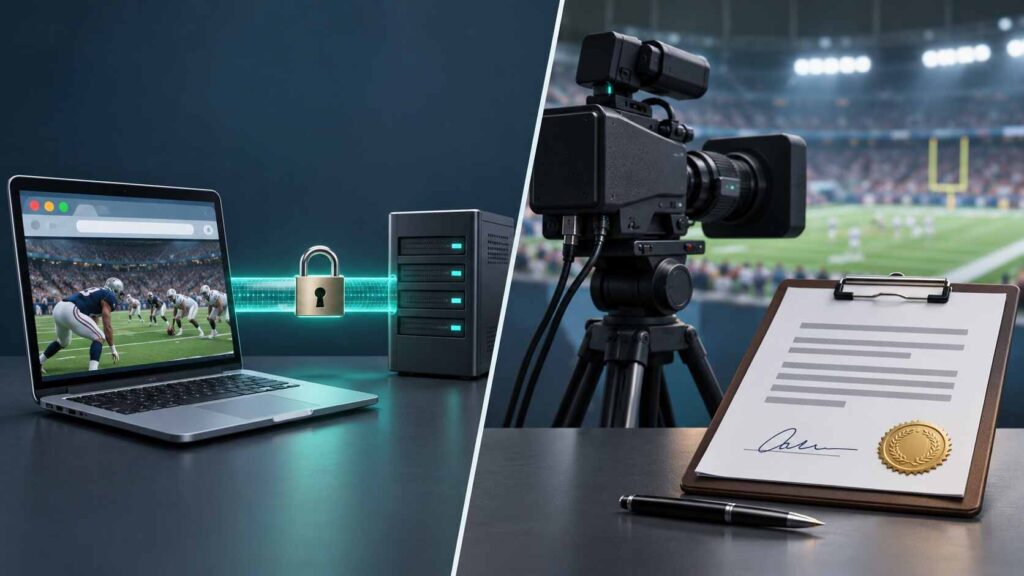
A site’s technical security and its permission to show a match require different evidence.
HTTPS encrypts data traveling between your browser and a website. It does not certify the operator’s honesty. Chrome’s security team specifically explains that its connection indicator should not be interpreted as a trust endorsement.
Likewise, a clean-looking page does not establish broadcast rights. Check the competition’s official viewing information for your country and the particular event. UEFA, for example, publishes country-specific Champions League broadcast partners.
A VPN changes aspects of your network connection; it cannot supply missing broadcasting permission. Ad blockers and antivirus tools also cannot establish licensing or guarantee that an unfamiliar service is trustworthy.
Avoid blanket claims about every viewer’s legal position. This guide does not determine individual liability across different jurisdictions.
Cyber Risks to Recognize
These are general threat patterns to watch for, rather than confirmed findings about every CrackStreams-branded page.
Deceptive Alerts and Redirects
A page may display an alarming infection warning and demand that you call a support number. Microsoft describes fake website error messages as a common route into technical-support scams.
Do not call the displayed number or authorize remote access. Close the browser using its own controls. If it will not close normally on Windows, Microsoft suggests Alt+F4; restarting the computer is another option.
A warning drawn inside a webpage is not the same as a diagnosis from security software.
Fake Updates and Player Downloads
An unexpected request to install a browser update, video player, or extension deserves scrutiny.
Google advises avoiding suspicious update pop-ups and obtaining software from its official source. It also warns against instructions to ignore antivirus or Safe Browsing warnings.
Keep browser updates within the browser’s own update mechanism. Do not disable protections because a page says they prevent playback.
Phishing and Notification Abuse
A familiar sign-in design does not establish that a form belongs to your email or streaming provider. Avoid entering an existing account password into an unfamiliar page.
Separately, websites can ask permission to send browser notifications. Those notifications may continue appearing after the original tab closes. Google provides controls for blocking unwanted site notifications; persistent messages are not, by themselves, proof that malware is installed.
What to Do If You Already Visited
Start with the action you actually took. A page visit alone does not establish an infection, while installing software or exposing credentials warrants further checks.
| What happened | Recommended next step | Official help source |
|---|---|---|
| You only opened a page | Close it; avoid interacting with unexpected warnings. Investigate persistent symptoms. | Microsoft scam guidance |
| You allowed notifications | Block that site’s notification permission through browser settings. | Chrome notification controls |
| You downloaded or installed something | Do not open an unexpected file. Review installed apps/extensions and use trusted security tools. | Google’s cleanup guidance |
| You entered a password | Open the real provider independently, change the exposed password, and review account activity. | Google account recovery guidance |
Block Unwanted Notifications
On desktop Chrome, open Settings → Privacy and security → Site settings → Notifications. Review permissions and block the unwanted site. You can manage this without returning to its page. Pop-ups and redirects have a separate setting, so check that control if new windows keep appearing.
Menu wording can differ across browsers and devices.
Check Software and Accounts
For Windows, open Windows Security → Virus & threat protection → Quick scan. Microsoft recommends further scanning if concerns remain after a quick scan. A scan result should guide the next step; clearing browsing history is not a malware-removal procedure.
If you disclosed a password, change it wherever you reused it. Review unfamiliar devices, recovery details, and security events, and enable multifactor authentication where available. Use the provider’s official recovery process if access has already been lost.
If you approved an app’s account access, review that permission separately. Google’s connection controls allow you to inspect and remove access. TechHBX’s OAuth consent cleanup guide explains this additional recovery task.
Safe Alternatives: Find the Licensed Source for Your Event
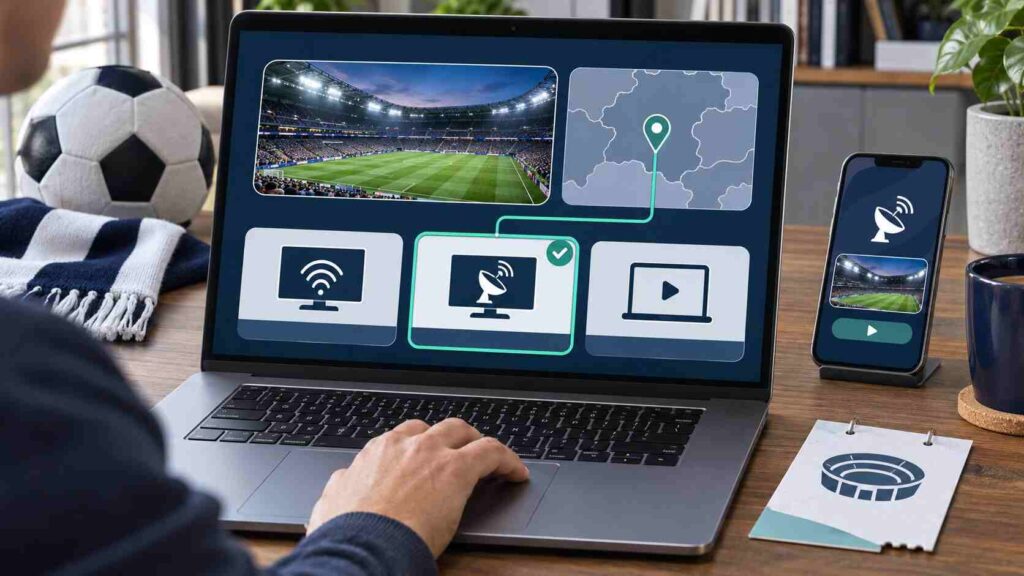
Start with the match, competition, and your actual location. Then check an official schedule or broadcaster directory.
The first two examples below are U.S. services; the directory supports a broader international search.
| Service or resource | Region and relevant coverage | Payment model and limitation |
|---|---|---|
| ESPN | U.S. offering; ESPN Unlimited lists NFL, NBA, college football, and other ESPN coverage. | Paid plans or eligible provider entitlement. Confirm the exact event and package. |
| Peacock | U.S. and certain U.S. territories; selected Premier League matches and NBA coverage. | Paid eligible plan. Coverage depends on the event and plan. |
| UEFA’s broadcaster directory | Country-by-country Champions League broadcast partners. | Directory is free to consult; broadcaster charges and access conditions vary. |
Before paying, confirm three things: your event is included, your location is eligible, and your chosen device supports it.
Check whether the listing is live coverage, a replay, or highlights. A sports logo on a subscription page is not enough to establish access to every fixture. Geographic restrictions, blackouts, and changing rights can affect availability; Peacock’s terms explicitly describe these limits.
“Licensed” describes authorization to distribute content. Continue using ordinary account-security precautions with legitimate services too.
Conclusion
Treat an unverified CrackStreams page as an uncertain source, not a service whose safety has been established. Choose an authorized viewing route for the exact event. If you already interacted with a suspicious page, match recovery to what you did, remove unwanted permissions, and investigate exposed accounts or installed software.
Frequently Asked Questions
Does Incognito Mode Make Streaming Anonymous?
No. Chrome says Incognito limits information retained on your device, but websites and organizations managing your network may still observe activity. Downloaded files also remain after the session ends. Private browsing does not establish a site’s safety or broadcasting rights.
Why Do Some Paid Sports Services Still Show Ads?
Payment does not always remove advertising from live events. Peacock states that ads remain in live sports and certain other content even with Premium Plus. Advertising alone therefore does not establish that a service is fraudulent.
Are Official Highlights an Alternative to Watching Live?
If you only need key moments, check the competition’s official channels before purchasing a live plan. UEFA lists highlights, interviews, and other supplementary content alongside its Champions League viewing information. Highlights should not be confused with access to a full live match.
