
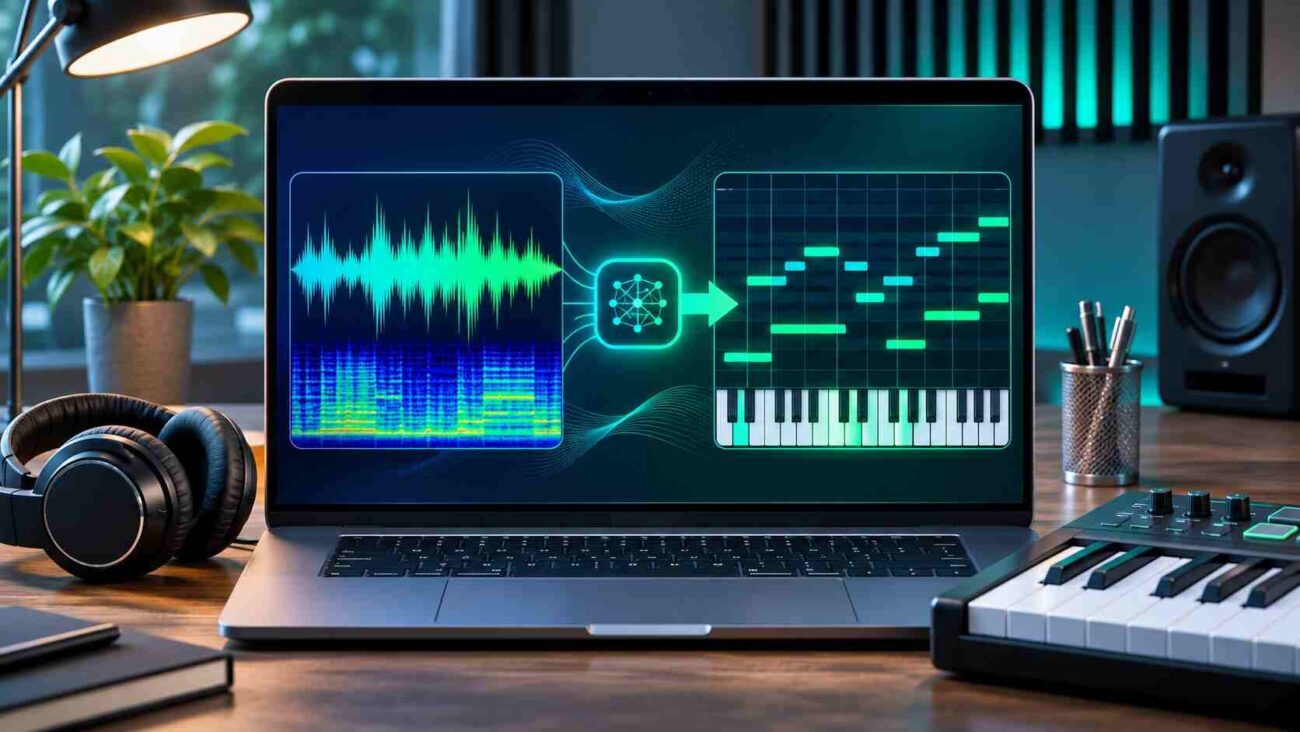
A melody recorded on your phone could become an entire track without replaying every note or buying transcription software. Spotify offers a free browser tool that identifies musical notes and exports editable MIDI.
A clean vocal or isolated guitar is much easier to transcribe than a fully produced song. Here is how to turn audio to midi, improve results, and avoid unnecessary corrections.
- What Changes When You Convert a Recording to MIDI?
- How to Convert MP3 to MIDI Online for Free
- Which Recordings Produce the Best Results?
- Improve the MIDI File After Conversion
- Can It Convert Vocals, Guitar, Piano, and Entire Songs?
- Is Spotify’s Free Tool Worth Using?
- Common Problems and Quick Fixes
- Final Verdict
What Changes When You Convert a Recording to MIDI?
An MP3 stores sound. MIDI stores performance instructions, such as note pitches, start times, durations, and sometimes pitch bends. It does not preserve the original singer’s voice or the tone of your guitar. Assign the notes to a piano, synthesizer, or other virtual instrument.
That makes audio to midi conversion useful for songwriting: change key, adjust timing, or replace instruments without recording again. The result provides a basic arrangement to work from rather than an exact reproduction of the original recording.
Spotify calls its technology automatic music transcription. The open-source model recognizes notes from voice and many instruments, including instruments playing chords. However, its official documentation says it works best with one instrument at a time.
How to Convert MP3 to MIDI Online for Free
The official demo at basicpitch.spotify.com lets you upload a recording or capture one through a microphone. You can perform audio to midi conversion without installing software.
- Prepare a short recording. Start with a clear section containing one main instrument or a solo voice. Trim long silences and unrelated sounds if possible.
- Open Spotify’s official demo. Visit the site and locate the area for dropping or selecting an audio file.
- Choose your MP3 or WAV. Upload the recording, or select Record to capture a fresh musical idea using your microphone, granting permission if prompted.
- Let the model analyze the notes. Processing time depends on the audio and your device. Wait until the note transcription appears.
- Listen and inspect the result. Compare the rendered notes with your recording. If adjustment controls are available, experiment with detection thresholds, note length, and pitch range.
- Download the MIDI file. Save the result, then import it into your preferred digital audio workstation for editing.
- Correct the performance. Check wrong pitches, duplicated notes, timing shifts, and missing sustained notes before building an arrangement.
This audio to midi workflow is simple, but correcting notes matters more than promises of one-click perfection.
Which Recordings Produce the Best Results?
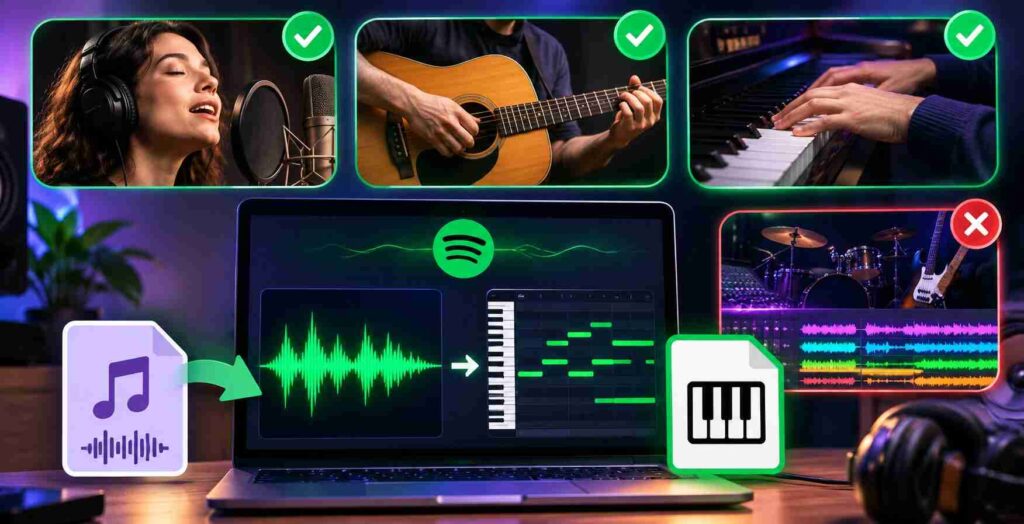
Input quality usually matters more than file extension. Spotify’s model supports several formats, including MP3, WAV, FLAC, OGG, and M4A. Stereo files are down-mixed for analysis, so converting a stereo file to mono yourself is not a requirement.
A quiet room and clearly articulated notes help an AI music transcription system. Sing without backing music, record guitar directly when possible, and expect occasional extra notes from overlapping piano harmonics.
When trying audio to midi on a mixed track, you may see bass notes mistaken for melody notes or chords broken into scattered pitches. If you have access to separate stems, process the isolated part instead. An AI stem separator may help create a candidate track, but artifacts can still confuse transcription.
A wav to midi converter is not automatically more accurate. Clean WAV audio may preserve details lost in MP3 compression, but recording quality matters more. Keeping high-quality WAV recordings can also consume considerable disk space. If you regularly save audio projects, our guide to finding large files with WizTree explains how to identify old recordings and exports before removing unnecessary files.
Improve the MIDI File After Conversion
The most useful editing happens after the download. Open the output in a MIDI editor or the piano roll of your music production software. Choose an instrument similar to the source, then compare each phrase against the original recording.
Start with obvious errors. Remove very short accidental notes; lengthen sustained notes that end too early. Move pitches that are one semitone or one octave out of place. Next, check rhythmic alignment. Quantization can tighten an uneven passage, but heavy quantization may erase the natural feel of a sung or played idea.
Another useful adjustment is reviewing pitch-bend data. Spotify’s system supports bends and slides, which can preserve expression from guitar and voice. Keep useful bends, but simplify erratic ones if a synthesizer sounds unstable.
For short hooks, correct pitches first, then timing. Change instrument sounds afterward.
Can It Convert Vocals, Guitar, Piano, and Entire Songs?
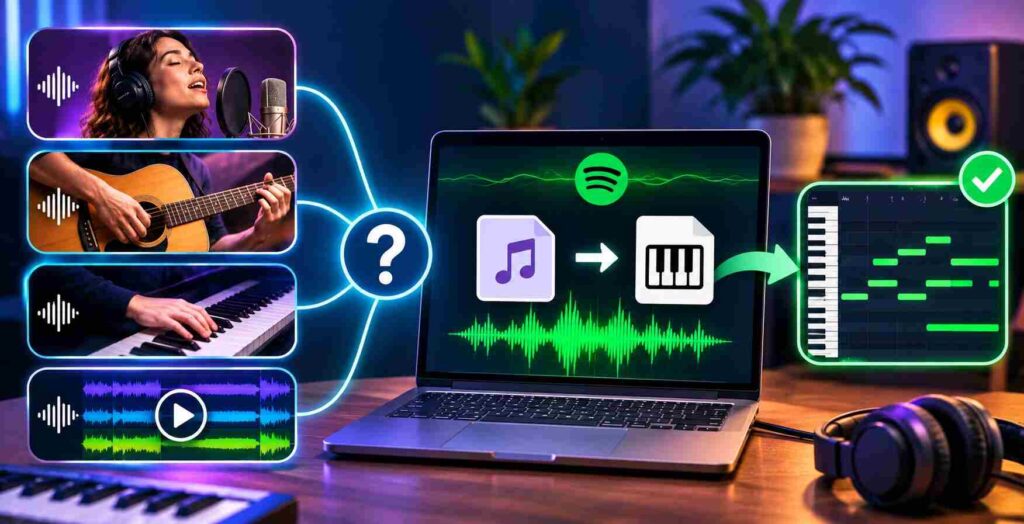
Voice to MIDI: A clean hummed phrase is an accessible starting point. The converter estimates notes rather than transcribing lyrics, so you can use it to sketch melodies but not produce written words.
Guitar to MIDI: Single-note riffs and reasonably clean chord passages are good experiments. Pick noise, string buzz, and strong effects may introduce unwanted notes.
Piano to MIDI: The model can detect simultaneous notes, making simple chord voicings possible. Dense pedal-heavy performances may still require substantial cleanup.
Full songs: A commercial mix combines instruments, percussion, effects, and vocals. The tool is not a full arrangement extractor and should not be expected to separate every part into accurate MIDI tracks.
For audio to midi tasks involving several instruments, isolate one element first.
Is Spotify’s Free Tool Worth Using?
As an audio to midi converter, it has an appealing advantage: the official demo is free, while the model is also open source for developers. The lightweight design and browser interface reduce the barrier to experimenting with AI audio tools.
It is especially practical for creators who hum ideas away from a keyboard or want to turn a rough recording into an editable sketch. People exploring an AI music generator may find a complementary workflow here: transcribe their own melody first, then arrange it using virtual instruments. This tool does not generate a finished composition from a text prompt.
Audio to midi accuracy depends on the source. Treat results as drafts. Share converted melodies only when you hold the necessary rights; transcription does not erase copyright.
Common Problems and Quick Fixes
Too many notes? Reduce background noise, shorten the excerpt, or adjust the confidence threshold if the demo exposes that control. Do not delete every short note automatically; some may be intentional ornaments.
Missing notes? Try a clearer recording or modify note-detection settings. Very quiet notes, rapid passages, and overlapping harmonics can be difficult to identify.
MIDI sounds different? That is expected. MIDI contains notes, not the original audio timbre. Load an appropriate virtual instrument before judging the musical result.
Download not useful? Open the file in a piano roll editor and check the range of notes it contains. If the output is sparse or chaotic, re-record one instrument and repeat the audio to midi process rather than polishing a severely flawed transcription.
Final Verdict
Converting mp3 to midi for free is realistic when your goal is to recover notes from a clean musical idea. Spotify’s tool can save manual transcription work, particularly for short vocals, guitar passages, and piano parts. It cannot reliably rebuild every layer of a mastered track.
Use audio to midi as the first step in a creative workflow: capture a clear performance, download the notes, and edit with your ears. A few careful corrections can turn a rough recording into a flexible musical arrangement.
