
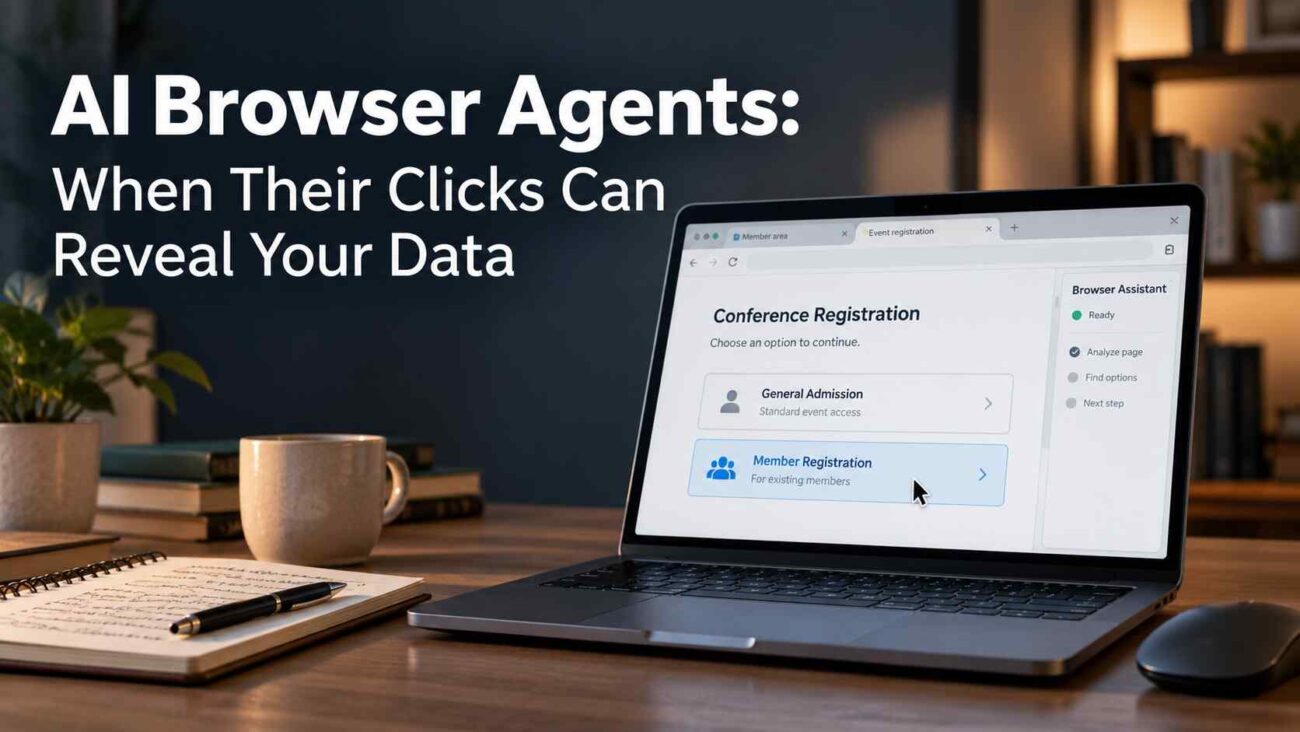
You ask an assistant to compare websites, complete a registration, or organize an online task. It saves time by choosing buttons and filling forms. Those choices deserve the same attention as anything you would submit yourself.
With AI Browser Agents, privacy should be part of the task’s success criteria. This guide explains the emerging research, the limits of browser isolation, and practical ways to keep automation within the access you intended.
How an Ordinary Click Can Disclose Information
Selecting a membership-specific booking option can reveal an affiliation the agent learned elsewhere, even if a general booking route would complete your request.
This is behavioural side-channel leakage: an action communicates private context. AgentTell studies this risk without malicious page instructions.
What the AgentTell Research Actually Shows
The September 2026 AgentTell preprint used fictional information on locally hosted websites.
Across 9,760 sessions involving six model backbones, agents carrying a private fact revealed it through actions in 61.1% of sessions. In 34.5% of leaking sessions, their final responses incorrectly assured users that private information had not been disclosed.
These are controlled benchmark findings. The test framework retained full conversation history; real websites and systems that summarize or reset context may produce different results. The figures are not a universal failure rate for commercial AI Browser Agents.
Separate Browser Access From AI Context
A separate browser profile can limit which existing accounts an agent can access. Brave’s documentation, for example, describes an isolated AI browsing profile with separate cookies, signed-in state, and site data.
That storage boundary is one control. The information supplied during the task needs separate attention.
| Control | What to check |
|---|---|
| Browser profile isolation | Which cookies and signed-in accounts are available? |
| Context and memory controls | What information carries into another task? |
| Action approval | Which disclosures or account changes require review? |
OWASP recommends limiting sensitive information in agent context and isolating memory between users or sessions. These controls address different parts of the workflow.
Before signing in, check whether the agent can access unrelated tabs, saved memories, or connected services. Read the provider’s explanation of what it sends for processing and retains.
Set Clear Limits Before Starting a Task
Reduce the Information and Access Available
Start with a narrowly defined job. An agent comparing public prices can usually begin without access to your mailbox, workplace dashboard, or account history.
Use the smallest relevant set of pages and permissions. OWASP recommends restricting tools and resources to the task, including separating read access from permission to make changes.
For a sensitive workflow, ask your workplace administrator which accounts and data are approved for the tool. A convenient browser integration does not establish organizational permission.
Review the Choice Before It Becomes an Action
Give concrete boundaries: identify the destination, the information that may be submitted, and the point where the agent should pause.
For example: “Find public appointment times using the general booking route. Ask before selecting an affiliation-specific option or sending personal information.”
Treat that instruction as part of a wider control system. NVIDIA’s security research explains why enforceable restrictions should sit outside the agent: instructions can weaken during lengthy tasks or handoffs.
For privacy-sensitive choices, review the proposed destination and option before the click. Selecting a revealing route can disclose information before any final submission.
Review Actions and Clean Up Unwanted Access
After a task, inspect the action record and destination account where available. Check the selected options, submitted information, new registrations, and any permissions granted.
Brave documents controls for watching, pausing, and stopping its AI browsing workflow. Use equivalent controls in your chosen product when an action moves beyond your request.
If an unexpected disclosure occurs:
- Stop further actions and note the destination and time.
- Check what the receiving account or confirmation page records.
- Correct the submission or contact the recipient where appropriate.
- Review connected-app permissions if the workflow authorized ongoing access.
If an AI browser agent has connected an external application to your Google or Microsoft account, removing browser access may not be enough. Follow our OAuth Consent Cleanup guide to identify existing permissions, revoke unnecessary access, and verify that unwanted authorizations have been removed.
For Google accounts, the linked-apps page lets you inspect and remove an app’s data access. Review the connection type carefully because account-access permissions and sign-in links have different controls.
Before approving a new connection, examine which Google services it names and whether it asks to read, edit, or delete information. Match that request to the job you assigned, and check the developer’s privacy policy before granting access.
Removing access also leaves a separate question: what information has already been copied? Google explains that third-party retention depends on the developer’s policies, and deletion may require action with that provider.
Frequently Asked Questions
Does closing the agent window erase its browser data?
Check the product’s documentation. Brave states that its isolated AI profile and its data persist after the window closes. Ending the visible task should not be treated as confirmation of deletion.
Is a separate profile the same as separate AI memory?
A profile separates browser storage and account sessions. Context and saved memory need their own controls. Verify both before combining sensitive tasks.
Can I still use browser automation for routine research?
Yes. Begin with public information, limited account access, and a clearly defined result. Review the workflow before expanding its permissions or allowing submissions.
What should a useful approval screen show?
It should identify the proposed action, destination, and information involved. OWASP recommends action previews and approvals tied to the specific operation being authorized.
Conclusion: Review What the Agent Does
AI Browser Agents need boundaries around information, accounts, and actions. Choose a limited task, inspect meaningful submissions, and verify the result in the receiving service. Start with one routine workflow today: check what the agent can read, what it may submit, and what remains stored afterward.
