
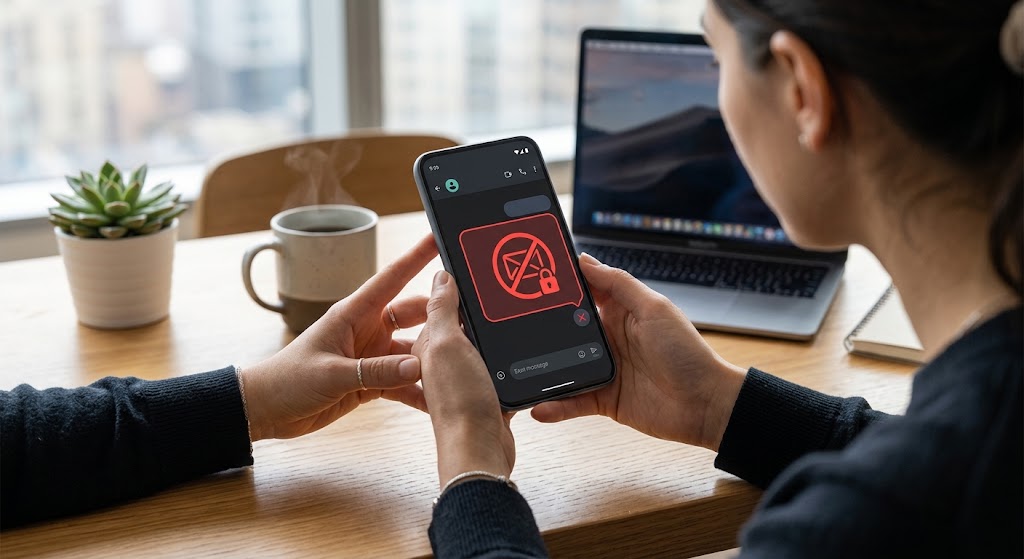
Seeing “free msg: unable to send message – message blocking is active” when you need to reach someone is frustrating. However, this SMS error is a reason to investigate—not immediately reset your phone. The quickest starting point is to establish whether texting fails with one person, every contact, or only a particular message type.
Message blocking is active meaning
If you’re wondering “what does message blocking is active mean”, it indicates a messaging restriction that needs investigation. T-Mobile documents account controls that can block chargeable incoming and outgoing SMS and MMS messages, even when a messaging bundle is included.
Importantly, “message blocking is active” does not establish that someone deliberately blocked you. T-Mobile recommends checking restrictions on both your account and the recipient’s side. An account-level restriction is different from an individual contact block.
Common causes and what to check first
Carrier blocking, family controls, insufficient prepaid credit, incorrect contact details and connectivity problems can interrupt texting. These issues do not necessarily produce identical warnings, so avoid treating every failed message as the same fault.
Send a short, attachment-free message to two trusted contacts. Then use this table to prioritize your checks rather than assume a diagnosis.
| What you notice | First area to investigate |
|---|---|
| Only one contact fails | Number formatting and restrictions at either end |
| SMS fails for everyone | Account permissions, service status and reception |
| iMessage works, but SMS fails | Carrier texting service rather than iMessage alone |
| Pictures fail, but plain texts work | MMS connectivity and configuration |
These checks reflect the different troubleshooting paths recommended by T-Mobile, Apple and Google.
Quick fixes for iPhone and Android
1. Verify the number and review contact restrictions
Re-enter the recipient’s number, including the correct country code. Review your blocked numbers and spam list for an accidental entry. Menu names vary between devices and messaging apps.
If appropriate, ask the recipient to review their restrictions too. Remove only unintended blocks; there is no need to disable every spam-protection feature. Both Google and T-Mobile recommend checking contact details and blocking settings.
2. Check your carrier account
Confirm that your line has active texting service and, where applicable, sufficient prepaid credit. On T-Mobile, review Message Blocking through T-Life or the account website, particularly the control for chargeable texts and pictures.
If message blocking is active because an account control is enabled, changing phone settings does not remove that control. Ask your carrier to check the affected line before paying for replacement hardware.
3. Check reception, the active line and your app
Restart your phone, confirm that airplane mode is off, and check reception. On Android, update Google Messages, make it your default texting app, and ensure a physical SIM card is properly inserted.
On iPhone, open Settings > Cellular and confirm that the intended line is enabled. With multiple lines, check which number is selected. Current Apple guidance places messaging controls under Settings > Apps > Messages.
Also Read: Blocked on iMessage? Definitive Signs You Need to Look For
Advanced troubleshooting: identify the messaging service
When investigating “unable to send message message blocking is active”, distinguish ordinary texting from internet-based messaging. On iPhone, blue bubbles identify iMessage, while green bubbles can represent RCS, SMS or MMS. Green does not automatically mean SMS. A successful iMessage conversation therefore does not establish that carrier texting works.
For deeper troubleshooting, ask your carrier to verify SMS/MMS provisioning—the service setup and permissions associated with your line. T-Mobile also publishes a message-center, or SMSC, setting for Android. Do not copy that carrier-specific value into another provider’s configuration.
If only multimedia messages fail, Google recommends checking the data connection and restoring default APN settings. This is an MMS troubleshooting step, not a universal remedy for an account block.
A network reset belongs later in the process. On iPhone, follow Settings > General > Transfer or Reset iPhone > Reset > Reset Network Settings. This removes saved network configurations and some VPN settings. Read the warning carefully, and do not select Erase All Content and Settings.
Conclusion
The practical answer to “what does message blocking is active mean” comes from identifying the affected contacts, message service and account permissions. When message blocking is active despite these checks, give your carrier a screenshot, affected numbers and troubleshooting results. That evidence is more useful than repeatedly resetting your phone or deleting conversations without a clear reason.
Frequently Asked Questions
1. Does Do Not Disturb cause this outgoing-text error?
No. Apple describes Do Not Disturb as a feature that silences calls, alerts and notifications. That is different from a carrier restriction preventing an outgoing message.
2. Can security codes be blocked while personal texts still arrive?
Yes. T-Mobile documents separate commercial-message restrictions that can affect bank security codes and other business texts. Ask support to inspect those settings if ordinary conversations work.
3. Will carrier blocking stop emergency alerts?
T-Mobile specifically excludes Wireless Emergency Alerts from its Message Blocking feature. Check your own provider’s documentation rather than assuming every carrier applies identical exclusions.
4. How can I report suspicious texts without replying?
T-Mobile customers can forward suspicious texts to 7726. Avoid clicking links or responding when the sender is unknown. Reporting and replying to the original sender are separate actions.
5. Who can change blocking controls on a family account?
On T-Mobile, the primary account holder can manage the carrier’s blocking controls through T-Life or the website. Someone using an individual line may need the account holder’s help.
