
Fact checked: October 24, 2026.
A text should be simple: choose someone, type, and send. Yet missing photos, green bubbles, and stalled chats can make everyday communication confusing. Understanding SMS messages starts with knowing which service carries them. This guide explains SMS/MMS and RCS messaging, with practical checks drawn from current Apple and Google documentation. Examples are illustrative, not customer testimonials.
Know What Your Phone Is Sending
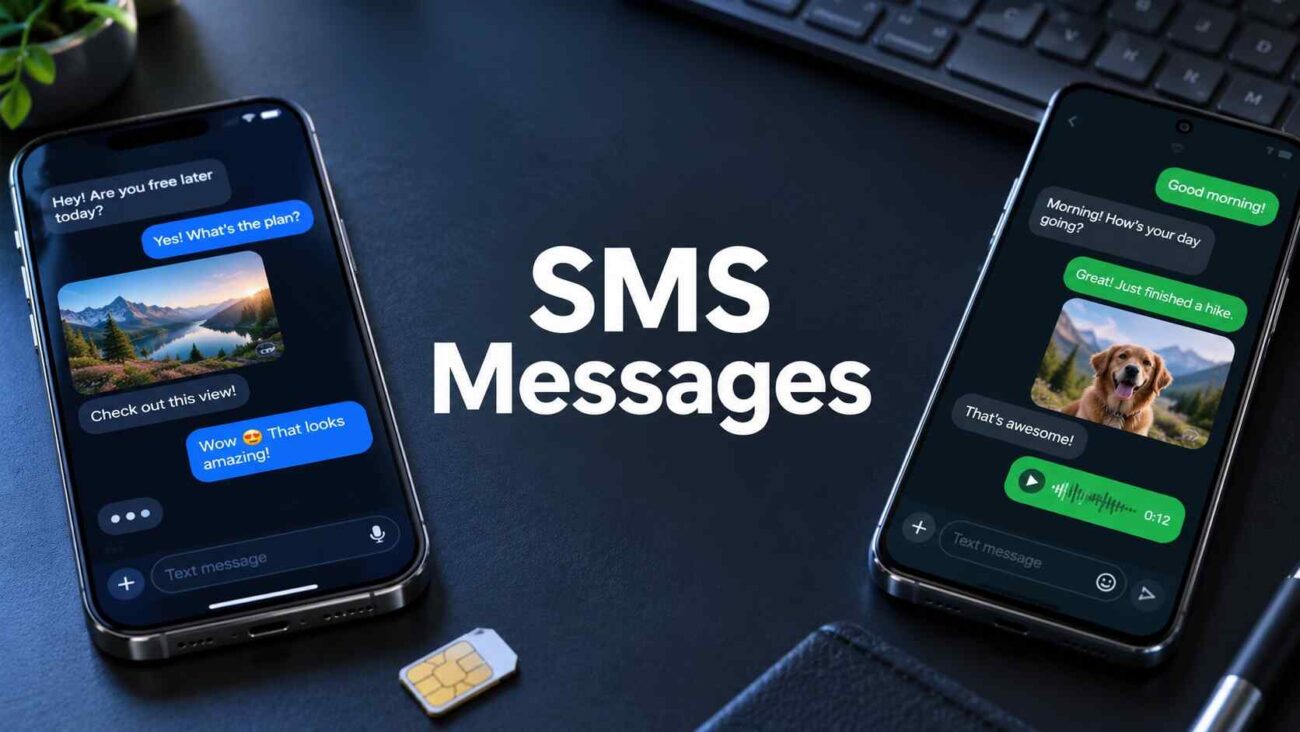
Managing SMS MMS messages becomes easier when you separate plain texts from attachments and check connection requirements. SMS carries text; MMS adds pictures and other media. For everyday SMS messaging, your app selects the available format.
| Format | Connection | Main purpose |
|---|---|---|
| SMS | Carrier network | Basic texts |
| MMS | Carrier data service | Photos and media |
| RCS | Internet connection | Richer conversations |
RCS supports read receipts, typing indicators, and better media sharing. However, both participants need compatible services. Unlike SMS messages, RCS relies on Wi-Fi or mobile data.
Send and Receive Texts on Android
For Android text messages, start with an active phone number and a supported carrier plan. Set Google Messages as your default texting app before troubleshooting delivery.
- Open the app, tap Start chat, and enter the recipient’s phone number. Check the country code.
- Type your message and tap Send. Read incoming SMS messages in the conversation or through notifications, if you have enabled them.
- Attach a photo using the attachment button. The app uses MMS or RCS depending on availability, so check the sending label.
- To enable RCS, open your profile picture, Messages settings, then RCS chats. Confirm the status says Connected before expecting enhanced features.
Set Up Texting on iPhone
For iPhone text messages, open Messages, tap Compose, choose a contact, type, and send. Incoming texts appear in the same app. A working mobile line and an appropriate messaging plan are essential for SMS messages.
- Open Settings, Apps, Messages, then RCS Messaging to enable RCS when available. Apple requires iOS 18 or later and carrier support.
- If the RCS setting is missing, check carrier availability first. Installing the latest software alone cannot add unsupported network features.
- If SMS messages stop after changing devices, check that the correct phone line remains enabled, especially when using multiple SIM cards.
- Green bubbles can signify SMS, MMS, or RCS. Read the conversation’s service label rather than using bubble color to identify the protocol.
Fix Failed Texts Without Guesswork
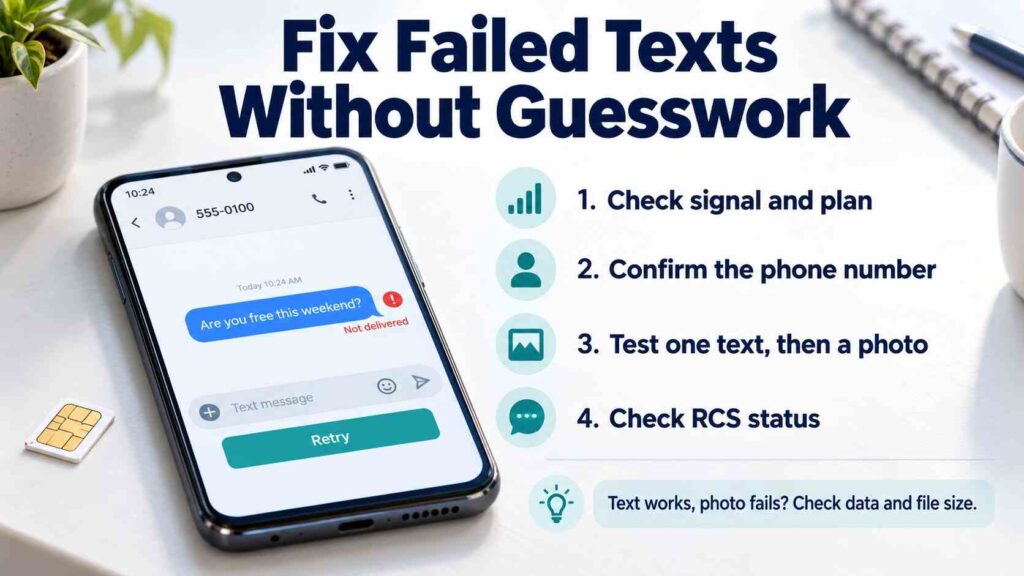
When SMS messages fail, identify the pattern before changing settings. One failed contact suggests a number or blocking issue; widespread failures suggest connectivity, account, or app problems. A text message not delivered alert does not automatically mean someone blocked you.
- Check cellular signal, airplane mode, your plan balance, and the recipient’s number. Restart the phone and update its messaging app.
- If plain texts work but pictures fail, check the data connection and attachment size. MMS can compress photos or reject oversized files.
- If messages disappear after switching from iPhone to Android, deregister iMessage. Also check whether an earlier messaging setup needs RCS deactivation.
- For a stuck RCS message, review the resend option before choosing a carrier text. Fallback can change media quality, privacy, and potential charges under your current mobile plan.
- Avoid repeatedly switching RCS off and on as a general fix. Google advises that this might cause you to be removed from any group chats; try specific troubleshooting methods instead.
For texting with SMS/MMS, these separate tests are useful: send one short text, then one photo. This comparison helps identify whether the failure affects basic delivery or multimedia messaging.
Consider a builder sending a customer a repair photo. A successful text followed by a failed image points toward a media problem. Likewise, split replies during group messaging can reflect a fallback or group setting, rather than missing contacts. These examples explain diagnostic reasoning, not verified customer cases.
Check Privacy Before Sharing Sensitive Details
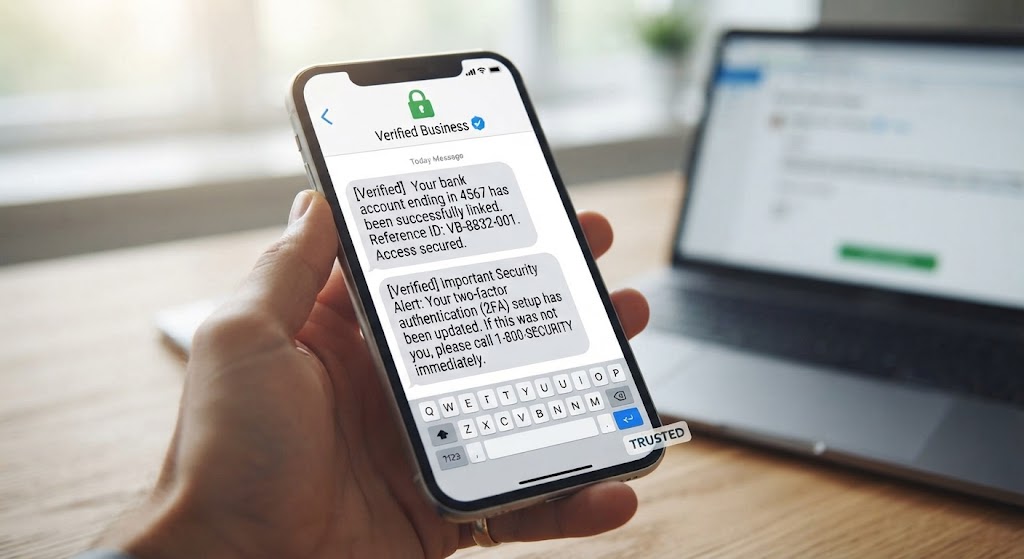
Ordinary SMS messages lack end-to-end encryption. Apple now documents encrypted RCS in beta from iOS 26.5, with supported carriers and gradual availability. Protection depends on everyone in the conversation having compatible support. Check for the encrypted label and lock icon; RCS alone does not guarantee it.
Avoid sending passwords or forwarding verification codes. Treat unexpected payment links cautiously, even when a sender name looks familiar.
Make Every Message Easier to Trust
Reliable SMS messages start with three checks: confirm the recipient, identify the sending format, and verify the connection. Use RCS for richer conversations when supported, keep carrier texting available for basic communication, and inspect encryption indicators before sharing private information. When delivery fails, test text and media separately. That small habit turns a confusing messaging problem into a clear next step.
Frequently Asked Questions
Can I send SMS messages over Wi-Fi?
Sometimes. Supported Wi-Fi Calling can carry SMS. Otherwise, regular SMS needs cellular service; RCS uses an internet connection.
Why are my photos blurry?
MMS may compress attachments to meet carrier limits. When compatible, RCS can deliver higher resolution media.
Do texts cost extra?
Your plan decides. International texts, roaming, and media may incur charges. Internet messaging can also consume paid mobile data.
Do delivery indicators prove someone read my text?
No. Delivery reports concern delivery. Reading confirmation requires a supported service and enabled receipts; missing confirmation proves neither blocking nor avoidance.
Why can one contact use RCS while another cannot?
Compatibility varies by device, carrier, settings, and connection. A conversation may use a different service when requirements are unmet.
