
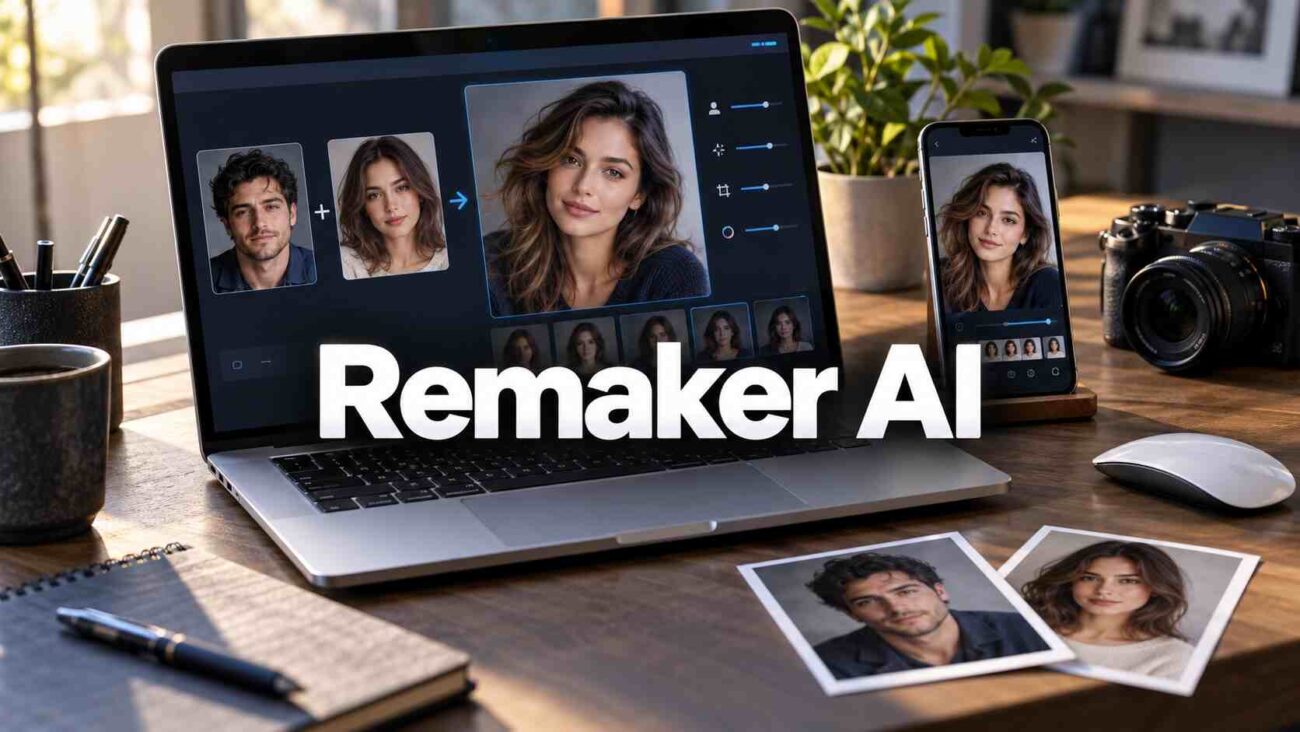
A face swap can look convincing in a thumbnail and fall apart when you zoom in. Before uploading your portrait or buying credits, you need to know what the tool actually offers and what happens to your images. Remaker AI combines face swapping with a wider creative toolkit, but its free-access claims, paid features, and privacy wording deserve a closer look.
This Remaker AI review explains the features, spending decisions, and safety checks that matter. You will also learn a simple workflow for judging whether an output is worth keeping.
What Is Remaker AI, and Who Is It For?
Remaker AI is an online platform for AI-assisted image editing, image generation, and video creation. Its tools cover face replacement, photo enhancement, background removal, and other visual tasks.
For beginners, the appeal is a focused workflow: upload an image, select a tool, and review the result. Remaker AI is worth considering for personal experiments, visual concepts, and social content where you have permission to use the material.
Imagine creating a birthday invitation using your own portrait and an illustrated costume scene. The platform could help you explore that concept without building a composite manually.
For precise brand artwork or sensitive client photographs, evaluate editing control, image handling, and usage permissions before making it part of your workflow.
Compare tools using the same source images. Score identity resemblance, edge blending, export resolution, and time spent fixing mistakes. A cheap generation that needs twenty minutes of cleanup may cost more in practice than a cleaner result elsewhere. Keep those notes so your decision rests on repeatable comparisons.
Face Swap and Editing Features That Matter
Single, Multiple, and Batch Face Swaps
The AI face swap tool takes an original picture and a replacement-face image. Multiple Face Swap Mode and Batch Face Swap Feature of Remaker AI are used to change faces for groups and multiple images respectively. The batch page currently allows up to 50 original images per session.
These modes solve different problems. A group photograph needs face selection; a folder of individual portraits needs batch processing. Check one result carefully before committing an entire folder.
Video and GIF Face Swapping
Remaker AI provides video face swap and GIF face swap services. Its video interface lists a 500 MB upload limit, clips up to 30 minutes, and separate regular and HD options. The video FAQ says access requires VIP status, obtained by purchasing credits, despite the page’s free-oriented title.
Test a short segment first. Inspect turning faces, brief obstructions, and transitions between shots before processing a longer clip.
Tools Beyond Face Replacement
The wider Remaker AI toolkit includes an AI photo editor, background remover, AI image upscaler, AI image generator, and AI portrait generator.
Choose the feature around your task. Background removal suits a product cutout; prompt editing suits a requested scene change. For an enlarged photo, check facial detail and lettering at the intended display size before publishing.
Remaker AI Pricing: Credits, Costs, and Refunds
Remaker AI describes its billing as one-time credit purchases. The homepage says purchased credits do not expire and lists these package endpoints.
| Published package | Credits | Approximate cost per credit |
|---|---|---|
| $5.99 | 200 | 3.00 cents |
| $299 | 20,000 | 1.50 cents |
Check the live checkout before paying. These figures come from published homepage information, rather than a completed purchase.
The Remaker AI video tool displays one credit per second. At that rate, a ten-second attempt uses ten credits, costing about $0.30 with the smaller package. Confirm the charge for your selected mode.
Retries also affect value. Divide your spending by the number of results you would actually publish.
Remaker AI refund eligibility requires a first purchase, no more than 50 credits used, and a request within three days. A clear explanation is required, and approval is not guaranteed.
How to Use Remaker AI for Better Results
Start With One Controlled Test
- Open the official Remaker AI website and select the appropriate photo tool.
- Upload the original picture whose scene you want to retain.
- Add a clear photograph containing the replacement face.
- Generate one result and inspect it before downloading.
Use photographs with similar head angles and lighting. Keep the face unobstructed and large enough to examine. A compressed screenshot makes a poor starting point for judging facial detail.
For example, try a portrait facing the camera against a similarly positioned face. Then change only the replacement photograph. This makes it easier to identify which input improves the outcome.
Diagnose Problems Before Spending More
If Remaker AI changes the wrong person, check whether you selected single-face or multiple-face mode. If the result looks unnatural, review the jawline, glasses, hairline, teeth, and skin tone.
For video flicker, shorten the test to the affected section and try a clearer face image. Keep the original file alongside the exported version so you can compare detail and composition.
Is Remaker AI Safe? Privacy, Consent, and Rights
Read the Image-Deletion Claim Carefully
The Remaker AI face-swap page says uploaded and generated images are deleted within 48 hours. Its broader privacy policy describes account information, cookies, analytics, and sharing with service providers.
Image deletion and account-data handling are separate questions. The published wording does not establish that every tool has identical retention practices. Ask support about a particular workflow if that distinction matters to your project.
Keep identity documents, confidential client assets, and sensitive photographs out of casual tests. Start with an ordinary image you are comfortable uploading.
Get Permission Before Sharing
The terms require proper consent for using someone’s likeness and prohibit unlawful or unethical uses. The content policy also prohibits harmful misinformation and harassment.
For a birthday edit, ask the person pictured. For an advertisement, confirm rights to the source image and the person’s likeness. Label realistic alterations when viewers could mistake them for authentic footage.
Remaker AI marketing describes business uses, but its general terms include restrictive wording about website materials. Obtain written clarification about generated-output commercial rights before delivering paid client work.
Frequently Asked Questions
Is Remaker AI Free to Use?
Some tools advertise free access, and the homepage offers signup credits. Remaker AI video face swapping requires VIP access according to its tool FAQ. Check the specific feature before uploading.
Can I Use Remaker AI on My Phone?
Yes. The face-swap documentation supports mobile browsers, including Safari on iPhone and browsers on Android. You can start through the website without installing an app.
Does Remaker AI Have a Monthly Subscription?
Its published terms describe single credit payments without automatic renewal. Review your checkout summary to confirm the purchase details.
Why Does My Face Swap Look Unnatural?
Check the input angle, lighting, and visible facial detail. Try a clearer replacement portrait, then inspect the result at full size before generating more versions.
Can I Use Someone Else’s Face?
Get appropriate permission first. A publicly visible photograph does not establish consent to alter someone’s likeness. Remaker AI requires proper consent under its terms.
Final Verdict: Should You Try Remaker AI?
Remaker AI is worth a small trial if you want accessible face swapping and related creative tools. The important checks are usable output quality, credit consumption, and permission to use your images. Privacy wording and commercial rights deserve attention before sensitive or paid work. Start with one consented photo, inspect the result closely, and buy credits only when the workflow meets your needs.
Source note: Based on Remaker AI’s official product pages, pricing information, and policies checked October 25, 2026.

One thought on “Remaker AI: Face Swap, Features, Pricing and Safety”