
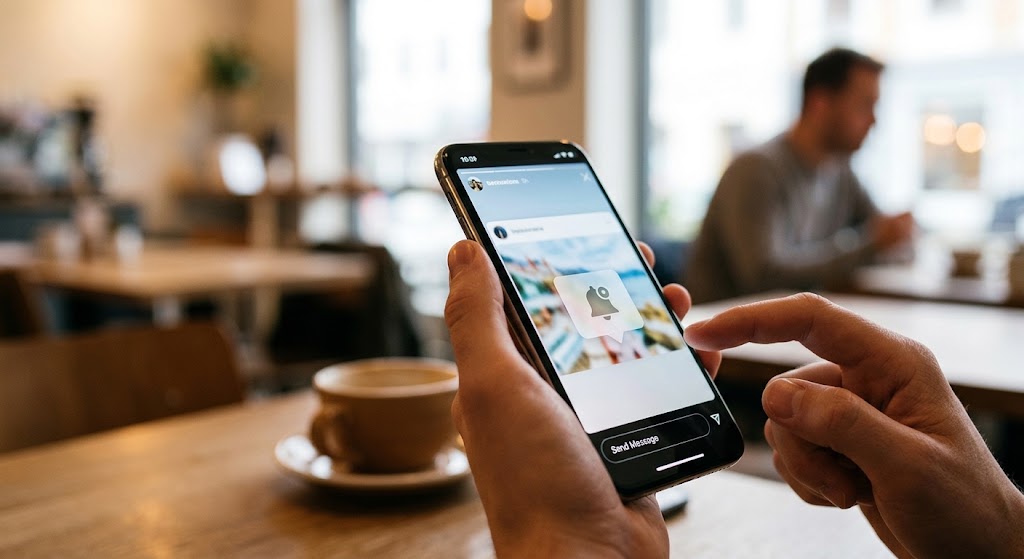
Someone’s Story flashes a must-try restaurant, an event address, or a promo code that expires tonight, and your fingers are already on the screenshot buttons. Then the doubt kicks in: will they know?
So, can people see when you screenshot their Instagram Story? Not if it’s a regular Story. Instagram sends no alert, and the viewer list shows only who watched, not who took a screenshot. The app briefly tested Story screenshot alerts back in 2018 and then scrapped them, but the rumor never fully died. Your DMs play by different rules, though: some disappearing content alerts the other person, and some won’t let you take a screenshot at all. Here’s exactly where Instagram draws the line.
- can people see if you screenshot their instagram story?
- can you see if someone screenshots your instagram story?
- does instagram show screenshots of stories?
- does instagram notify when you screenshot a post?
- Where the Rules Change: Disappearing Messages
- Conclusion
- FAQs
- 1. How can I save my own Story without screenshotting it?
- 2. Can I hide future Stories from one person?
- 3. Does crediting someone authorize me to repost their screenshot?
- 4. What if someone threatens to distribute my private images?
- 5. What should I do after sharing my password with a suspicious tracker?
can people see if you screenshot their instagram story?
For regular Stories, the answer is no. The same applies to Close Friends Stories and Instagram Story Highlights: capturing them does not generate a screenshot notification.
A Story normally expires after 24 hours unless added to Highlights. That expiration concerns its availability on Instagram; it does not erase a screenshot someone already saved.
So, “can people see if you screenshot their instagram story” is a question about notifications, not whether copying is technically possible. Treat temporary visibility and protection against copying as separate things.
No alert does not mean absolute anonymity. Sending the saved image back to its creator or publishing it elsewhere can reveal that a copy exists. The notification rule describes what Instagram reports, not what someone might learn from your later actions.
can you see if someone screenshots your instagram story?
The Instagram Story viewer list tells you who watched your content. It does not label viewers as screenshot takers. Seeing someone’s account there confirms a view, not a saved image.
If you’re asking “can you see if someone screenshots your instagram story,” checking names, viewer order, or repeat visits will not establish that they captured anything. Those observations are not screenshot evidence.
does instagram show screenshots of stories?
No. Instagram’s published Story insights describe views, unique viewers, interactions, engaged accounts, and profile activity. They do not include a screenshot count or a report naming screenshot takers.
For creators asking “does instagram show screenshots of stories,” this distinction matters: a share, reply, or link tap measures a different action. None should be presented as proof of a screenshot.
Technically, views measure display activity, while interactions measure actions taken inside Instagram. A screenshot is a different event. Reading an engagement total as a capture count would assign a meaning that Instagram’s published metric definitions do not support.
The same notification rule applies to screen recording Instagram Stories. Recording a Story does not notify its creator, although watching it remains a separate, visible activity.
does instagram notify when you screenshot a post?
No. Regular feed photos, carousel posts, and Reels do not generate screenshot alerts. The answer to “does instagram notify when you screenshot a post” therefore matches the answer for ordinary Stories.
However, screenshotting and using Instagram’s bookmark button are different ways to keep something. Instagram provides a Saved section for bookmarked posts, letting you return to the original rather than storing a cropped image.
When considering “does instagram notify when you screenshot a post,” identify the format first. A feed post does not become disappearing DM media merely because someone shares its link in a conversation.
Also Read: Insta Finsta Downloader: Features, Pricing & Honest Review
Where the Rules Change: Disappearing Messages
Broad answers to “can people see when you screenshot their instagram story” should never become promises about every Instagram feature. Stories and private-message capture protections are different systems.
Alerts and capture blocking are not the same
The related question “does Instagram notify when you screenshot a DM” needs more context. Standard messages differ from disappearing media. Meta announced screenshot and screen-recording prevention for photos and videos sent using “view once” or “allow replay,” alongside restrictions on opening that media on Instagram’s website.
This is more than an alert after capture: it is an attempt to prevent capture within the app. Older explanations describing only notification icons miss that distinction. Read the message’s viewing options and any on-screen warning rather than assuming all screenshots work alike.
An alert reports a capture; blocking tries to stop one. Neither is a guarantee against every possible copy. The BBC noted that these protections cannot prevent someone from using a separate device to photograph a screen.
Searches for “can people see if you screenshot their instagram story” can surface advice about these protected messages. Check that an explanation actually concerns Stories before applying it.
Can another app reveal hidden captures?
Third-party screenshot apps do not provide a reliable answer to “can you see if someone screenshots your instagram story.” Installing software on your phone does not give it knowledge of screenshots taken on someone else’s device.
Likewise, an app advertising secret analytics does not change the answer to “does instagram show screenshots of stories.” Instagram screenshot notifications should not be confused with unsupported marketing claims.
Conclusion
So, “can people see when you screenshot their instagram story”? Not through a Story screenshot alert or capture list. Keep the distinction clear: viewing is visible, capturing an ordinary Story is not reported, and disappearing messages have separate protections. Save useful details confidently, but remember that privacy has limits.
FAQs
1. How can I save my own Story without screenshotting it?
Open your Story, select its options, and choose the save command. Instagram also offers a save option before you publish.
2. Can I hide future Stories from one person?
Yes. Use “Hide story and live from” in your privacy settings and select their account. This differs from blocking and does not hide your profile or posts.
3. Does crediting someone authorize me to repost their screenshot?
Not automatically. Instagram explains that giving credit does not, by itself, prevent copyright infringement. Obtain any necessary permission before republishing someone else’s work.
4. What if someone threatens to distribute my private images?
Report their profile using Instagram’s reporting tools. Preserve relevant evidence and seek support from someone you trust; Instagram provides guidance for people facing these threats.
5. What should I do after sharing my password with a suspicious tracker?
Change it to a strong, unique password and enable two-factor authentication. If you cannot regain access, use Instagram’s hacked-account recovery process.
