
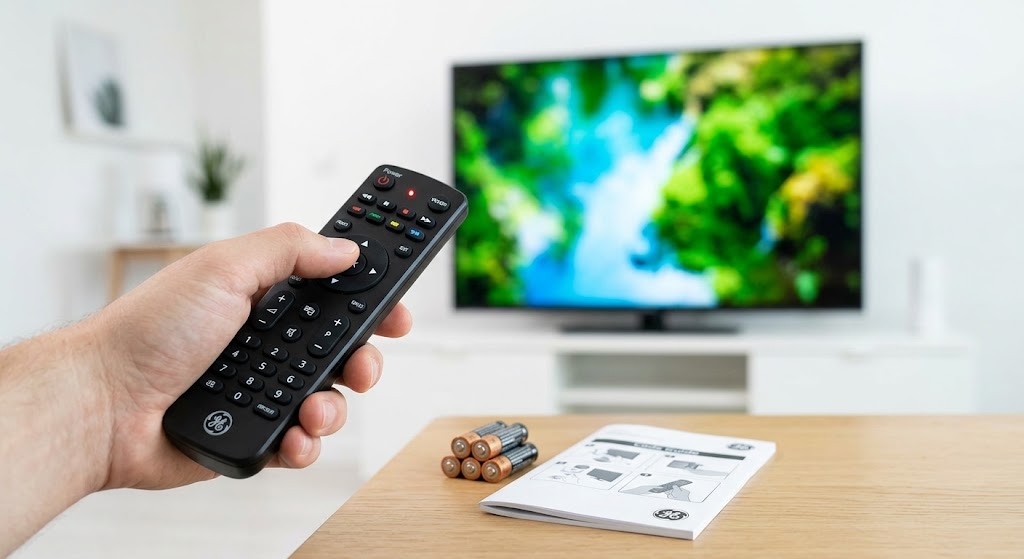
Learning how to program a ge universal remote starts with one detail that is easy to overlook: its code-list version. A successful ge universal remote setup uses the matching library, not a random number from another model. Once you identify that version, you can find suitable codes, program your equipment and test the controls without unnecessary guesswork.
- Identify your remote before choosing a code
- 4 digit ge universal remote codes: CL5 TV examples
- Choose your programming method
- Troubleshoot incomplete or unsuccessful programming
- Conclusion
- Frequently Asked Questions
- 1. Will replacing the batteries erase my programming?
- 2. Can I still use the equipment’s original remote?
- 3. Can the CBL/SAT button control a soundbar instead?
- 4. Can volume stay assigned to my soundbar while I control the TV?
- 5. Will a standard infrared model control a Roku Streaming Stick or Fire TV Stick?
Identify your remote before choosing a code
Open the battery compartment and inspect the label beneath the batteries or inside the cover. Record the model number and code-list version. Jasco’s current lookup tool provides separate libraries for CL3, CL4, CL5 and CL6.
For ge universal remote setup, match three details: the library version, equipment category and equipment brand. A television and Blu-ray player from the same manufacturer require different lookups. If your remote uses an older identification system, consult its specific manual rather than assuming current instructions apply.
4 digit ge universal remote codes: CL5 TV examples
The Samsung TV codes and other entries below are selected CL5 examples, not every available code or guaranteed matches for every television. Do not treat this table as a CL3, CL4 or CL6 list.
| Television brand | Selected CL5 codes |
|---|---|
| Samsung | 5791, 5801, 3301 |
| LG | 6021, 5511, 0001 |
| Sony | 1071, 5811, 5321 |
| TCL | 6171, 5961, 6031 |
| Vizio | 5631, 5611, 5561 |
These entries appear in the CL5 television reference; additional alternatives are available for several brands.
For the complete selection of 4 digit ge universal remote codes for your equipment, open Jasco’s official code finder. Select your version, device category and brand. Keep any leading zeros when entering a number.
Choose your programming method
Direct code entry: how to program ge universal remote
Switch on the equipment using its own power button. Hold SETUP until the remote’s red indicator stays illuminated, then release it. Press and release the device button you want to program, such as TV, DVD or AUD.
Enter the first matching four-digit number using the keypad. The red indicator should turn off. Point the remote toward the equipment and test power, volume, mute, input selection and navigation. If important controls fail, repeat the sequence with the next listed number. Program each additional device separately.
Auto Code Search: Programming Your GE Universal Remote
When listed numbers fail, the remote can search its stored library. The following batch-search procedure is documented for GE model 33712 and reflects Jasco’s current online guidance. Follow your own manual if its sequence differs.
Turn on the equipment manually. Hold SETUP until the red indicator remains illuminated, release it, and press the appropriate device button. Point the remote at the equipment and press and release POWER. The remote sends a batch of ten codes. Allow that batch to finish; if nothing switches off, press POWER again to test the next batch.
Once the equipment switches off, turn it back on manually. Press and release VOL+, waiting approximately three seconds between presses, until it switches off again. Then press the same device button selected earlier to save the matching code. Finally, test the other controls.
The distinction matters: the first shutdown identifies a promising batch. Reviewing individual codes and saving the result completes the process.
Troubleshoot incomplete or unsuccessful programming
During ge universal remote setup, a working power button does not guarantee complete compatibility. Jasco describes partial code functionality, where one number operates some functions but another provides better coverage. Try the remaining entries in your matching library before accepting limited control.
If volume works but channels do not, check what actually supplies your channels. A cable, satellite or converter box needs its own programming; controlling the television alone does not control that separate receiver.
If the indicator behaves unexpectedly, try another set of batteries. For an unresponsive device, verify the selected device mode and remove obstructions between the remote and equipment. Record the final working number alongside its device button so future troubleshooting starts with reliable information.
Conclusion
Reliable ge universal remote setup comes down to matching the correct library, following the appropriate programming sequence and checking more than power alone. Start with a listed number, use the documented search method when necessary, and save the best-performing result. That approach turns a confusing collection of codes into simpler, more convenient everyday control.
Frequently Asked Questions
1. Will replacing the batteries erase my programming?
Jasco says its code-saver feature preserves programmed settings for up to ten minutes while batteries are removed. Replace them promptly rather than assuming the memory lasts indefinitely.
2. Can I still use the equipment’s original remote?
Yes. Programming the universal controller does not disable the original handset. You can keep using both, including retaining the original for any specialized functions you prefer.
3. Can the CBL/SAT button control a soundbar instead?
Yes. Jasco explains that device buttons can be assigned to other compatible audio/video equipment. Find the soundbar’s matching entry and program it under your chosen button.
4. Can volume stay assigned to my soundbar while I control the TV?
On models with Master Volume, yes. This feature directs volume commands to a selected audio device while another device mode remains active. Consult your model’s instructions to enable it.
5. Will a standard infrared model control a Roku Streaming Stick or Fire TV Stick?
No. Jasco distinguishes infrared-compatible streaming boxes from these radio-frequency-controlled sticks. Check the exact remote’s compatibility before purchasing; a streaming button does not establish support for every streaming device.
