
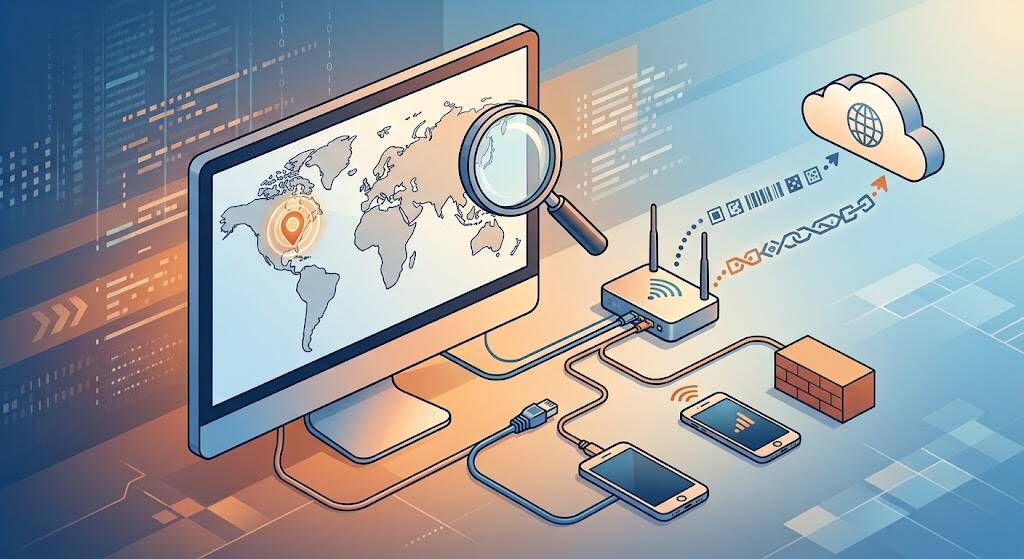
You usually search “what is my ip” because you need an answer quickly: a login alert names another city, a VPN needs checking, or support requests your address. IP stands for Internet Protocol. Your public address is the one a website sees for your connection. A live lookup can identify it and estimate its location, but that estimate is not a GPS fix or proof of who is using the connection.
- Get a Live Reading From the Right Connection
- Read the Data Before You Trust the Map
- How to Find IP Address Details on Your Device
- IPv4 vs IPv6: Compare Like With Like
- Wrong City? Check Context Before Assuming Trouble
- Privacy Claims Need More Than One Successful Lookup
- Five Frequently Asked Questions
- Conclusion: Treat Your IP as a Clue, Not an Identity
Get a Live Reading From the Right Connection
Open IPinfo’s IP address lookup in the browser and network you want to check. Its results include your public IP address, estimated city, country, timezone, and network information.
A screenshot from a friend shows their connection, not yours. The same goes for an address printed in an article. For viewing the live result on your gadget, please look it up yourself.
A useful IP address checker should distinguish the detected address from the location estimate attached to it. Networks move and providers reassign addresses; a fresh request does not guarantee perfectly current location records.
For troubleshooting, record the address, time and timezone, network, and whether a VPN was enabled. That small context log is more useful than an unexplained screenshot.
Try a controlled comparison on your phone: record the result using home Wi-Fi, turn Wi-Fi off, and repeat using mobile data. Reconnect to Wi-Fi, enable your VPN, and check again. Change only one condition between readings. However, if the issue reported pertains to the company laptop, the test should be performed on that system since the outcome on your mobile does not accurately depict another device’s routing path.
Read the Data Before You Trust the Map
These fields answer different questions. Treat them as clues rather than interchangeable measures of certainty.
| Lookup field | What it tells you | What it cannot establish |
|---|---|---|
| Public IP | Address visible to that website | A unique person |
| City | Estimated geographic area | Your exact residence |
| Coordinates | Center of a location estimate | A verified doorstep |
| Network operator | Organization associated with the network | The subscriber’s identity |
| VPN label | Provider’s classification of the address | Complete privacy protection |
When an accuracy radius is available, read it alongside the coordinates. A precise-looking map pin can represent a broad probable area, not a precise measurement.
An ordinary lookup can see your connection address without permission to access your device’s location. If a website asks for location permission, that is a separate capability. Decline it when you only want an IP-based estimate; otherwise, you may unknowingly compare two different location methods.
How to Find IP Address Details on Your Device
For public results, search “what is my ip” while connected to the network you actually use. If the IP is inside your LAN, inspect the device.
In Windows, click Settings, choose Network & Internet, and then check the Properties of your connected network. Look for IPv4 address; Microsoft documents slightly different paths for Wi-Fi and Ethernet.
A private IP address such as 192.168.1.23 belongs to a reserved range used inside local networks. Different households can reuse it, so it cannot identify your home through an ordinary public lookup.
For instance, linking a printer may need its own address. Investigating what a website sees requires the public address instead. Asking which task you are solving prevents a surprisingly common mix-up.
IPv4 vs IPv6: Compare Like With Like
IPv4 uses 32-bit addresses; IPv6 uses 128-bit addresses, providing a much larger address space. Visually, IPv4 uses dotted numbers, while IPv6 uses hexadecimal groups separated by colons.
When comparing “what is my ip” results, check which version each tool reports. Different formats are not automatically evidence of a fault.
For a meaningful comparison, keep the browser, network, and privacy settings consistent. Otherwise, you may be comparing different routes rather than conflicting answers.
Wrong City? Check Context Before Assuming Trouble
IP geolocation estimates where a network address is used. MaxMind explains that precision varies with geography and network type; mobile addresses can serve people spread across considerable distances.
Imagine someone in Karachi receiving a login notification naming another city. That IP location mismatch could reflect mobile routing or an imperfect database. This is an illustrative scenario, not a customer interview.
The sensible checks are whether the login time, device, and account activity fit. If they do not, review active sessions and secure the account through the service’s official security settings.
Don’t ignore an unknown login just because location estimates might be inaccurate. Equally, do not treat an unfamiliar city as conclusive evidence of account theft.
Document repeat mismatches over several days rather than changing random router settings. For an affected service, provide the public address privately, the approximate time, your network provider, and the city you expected. Ask support to investigate its location data.
Privacy Claims Need More Than One Successful Lookup
If your goal is to “hide my IP,” a VPN can replace the address websites see with its exit address. Compare your VPN IP address before and after connecting, but remember that one changed result does not establish complete anonymity.
Apple says iCloud Private Relay protects supported browsing while retaining a general location for localized content. Its scope differs from a system-wide VPN.
Published testing illustrates why verification matters. In August 2026, researchers Talal Haj Bakry and Tommy Mysk reported WebKit mechanisms that could bypass proxy protection. TechCrunch separately reported that its test exposed its real IP while Private Relay was enabled.
That reported experience is not a test performed for this article or proof that every current configuration leaks. Keep software updated and assess the protection you actually need.
Five Frequently Asked Questions
Does my IP reveal my home address?
Not through an ordinary lookup. It generally identifies a network and approximate region, not your front door. A map pin alone cannot establish where a particular person lives.
Why does my IP address change?
Your provider may assign a dynamic IP address rather than a static IP address. Switching between home Wi-Fi and mobile data can also change the address websites see.
Can different customers share one public IP?
Yes. Carrier-grade NAT allows providers to share public IPv4 addresses among customers. An IP address alone therefore does not uniquely identify a person, device, or household.
Is an IP lookup safe to use?
Choose an established service with a clear privacy policy. Avoid tools demanding router passwords, payment details, or software installation merely to display an address. Never publish sensitive account screenshots.
Is “what is my ip” enough to test a VPN?
NO. Examine IPv4 and IPv6, and run a DNS leak test. A normal lookup reports the request it receives, not every connection your device makes. DNS testing examines which servers handle website name requests, a different question from which address the website itself sees.
Conclusion: Treat Your IP as a Clue, Not an Identity
The useful answer to “what is my ip” is more than a string of numbers. It is a snapshot of your connection, paired with location clues that deserve scrutiny. Check the correct browser and network, separate public from private addresses, and treat map pins as estimates. When troubleshooting or protecting privacy, verify what changed rather than trusting a label. A good lookup should leave you better informed, not falsely reassured or unnecessarily alarmed.
