
Thundr is an adults-only random chat service for one-on-one video and text conversations. If you found it by searching for Thunder Chat, check the address before you sign in or pay. This Thundr review covers thundr.com, operated by Lightningware Inc. The homepage advertises free entry, and the company’s terms describe optional purchases for features such as Coins and Boost.
How Thundr Video Chat and Text Matching Work
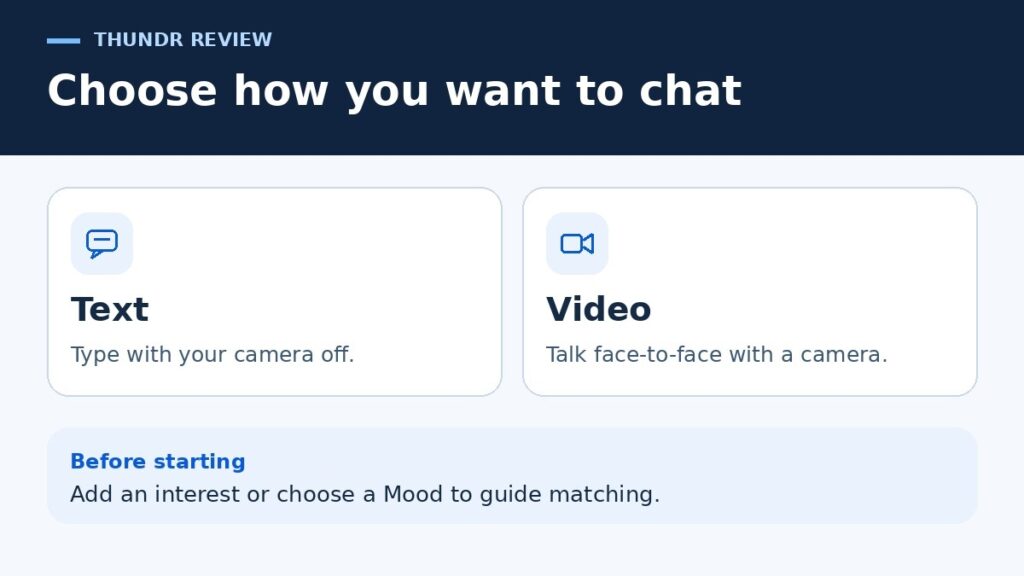
Thundr pairs you with another available user. With Thundr text chat, you can type and keep your camera off. Video is for live, face-to-face conversations and requires a working camera. An interests field and Mood filters give the service information it can use when matching you.
What the Hands-On Browser Check Found
The review used a signed-out desktop Chrome session on November 12, 2026. The check covered the public controls and sign-in screen. Live matching, camera and microphone behavior during calls, moderation response times, and checkout remain unverified.
| Control checked | What happened in the browser |
|---|---|
| Text and Video | Selecting Text left a separate Start Chatting button on the homepage. |
| Interests | The entry screen displayed a text field with a 33-character counter. |
| Thundr Mood Filters | Opening Mood showed three choices labeled Entertainment, Romance, and Spicy. |
| Thundr Country Filter | Opening Country Filter led to the sign-in screen. |
| Shop and Settings | Each led to the sign-in screen from the signed-out homepage. |
If you add an interest, choose a topic you’d be comfortable sharing with a stranger. Cooking gives you a possible opener without disclosing where you live or work. Thundr says interest matching uses those topics to guide pairings.
Thundr’s FAQ also lists Match History and reconnect requests. It addresses whether reconnecting uses coins and what happens if a request fails. If you plan to reconnect with a previous match, check the coin charge and the terms for an unsuccessful request before sending one.
Is Thundr Free? What Coins and Boost Cost
The website says basic chat is free to start. The U.S. Android listing also shows in-app purchases. On the signed-out website, tapping Shop opened sign-in before showing any offers. Current coin-pack prices, Boost rates, and any fee for using the country filter remain unverified.
The terms list Thundr coins and Thundr Boost among the service’s limited-use paid extras. They describe purchases and redemptions as final and non-refundable and say unused extras carry no cash reimbursement. The terms also describe daily and streak crates that can award varying amounts of promotional coins. The number of coins from a crate depends on its published reward probabilities.
How to Compare a Coin Pack Before Paying
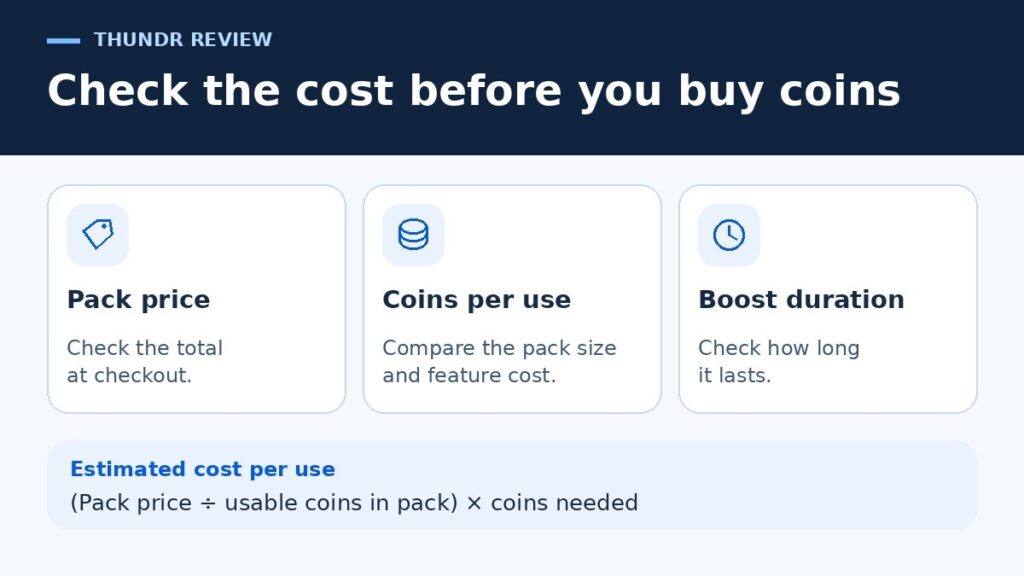
Check the total price, the number of usable coins, and how many coins the feature you want consumes. To estimate the cash cost of one use, divide the pack price by its usable coin count, then multiply by the coins needed for that action. If you want to use the feature once, look at the full amount you’ll have to pay and how many coins will be left over. Confirm the duration of the feature and the billing terms on the offer itself.
Is Thundr Safe? What the Rules and Privacy Policy Say
The Thundr Age Limit and Reporting Tools
Thundr’s terms require users to be at least 18, or older where the age of majority is higher. The U.S. Google Play page displays a Mature 17+ content rating. Follow the service’s 18+ minimum, which the app description also states. Its privacy policy lists age-screening data and third-party age-verification results among the data it may handle. The age-verification flow remains unverified.
The rules prohibit harassment and financial solicitation. Thundr says it uses automated moderation, and its terms describe a Report flag in chats. A live conversation can still expose you to unwanted behavior before any action is taken. If a match makes you uncomfortable, end the conversation. Use the flag if it’s safe to do so, or contact official support afterward.
What Thundr Can Collect During Chat
Even if you choose anonymous sign-in, the service’s privacy policy lists IP addresses, device details, cookies, and chat messages among the data it may collect or process. It says the live video and audio stream is processed in real time without storing the stream. The terms separately say a moderation report can include an IP address and a screenshot or image when the system flags an interaction. That distinction matters if you’re deciding what to share on camera.
The other person is a separate privacy concern. Thundr’s terms warn that someone could record a video conversation. Before opening your camera, check what’s in view. A parcel label, work badge, or street sign outside a window can reveal details you never intended to share. In text mode, leave out your full name, address, and contact details.
When to End a Match
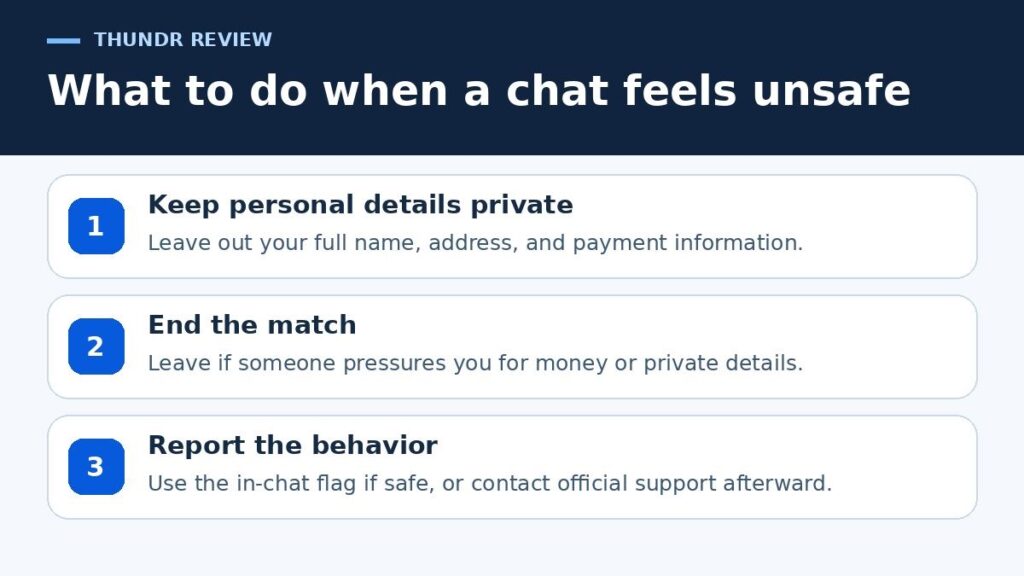
End the conversation if someone pressures you to share personal details or asks for money. Gift card codes, crypto transfers, and payment-app requests are common tactics in the online romance scams the FTC describes.
If you used video and want to remove saved browser access afterward, If you granted Thundr camera or microphone access in Chrome, follow Google’s instructions for removing a site’s camera and microphone permissions.
Verdict
Thundr’s strongest feature is the clear choice between text and video before matching. For adults considering a short conversation, text lets you keep your face, voice, and surroundings private from the other person. Hold off on a coin purchase until you can see what the feature does and what you’ll actually pay. If a verified identity or a clear record of how quickly reports are handled is important to you, the public interface provides little basis for that decision.
If you’re weighing other random chat services, see TechHBX’s comparison of Omegle alternatives and their safety controls.
Frequently Asked Questions
Can I use Thundr without Google or Apple sign-in?
The web sign-in screen displayed Sign In Anonymously alongside Google and Apple options. The screen linked to the service terms and privacy policy. The browser check stopped at that screen.
Is there a Thundr app for Android or iPhone?
Google Play lists Thundr: Live Random Video Chat by Lightningware Inc. For iPhone users, Thundr lists Safari as a compatible browser. Check the publisher name before installing any app with a similar title.
What if my purchased coins are missing?
Thundr Support suggests waiting a few minutes and refreshing the page. If the payment went through and your balance is still wrong, contact official support with the order details before trying another purchase.
How do I appeal a Thundr ban?
Contact Thundr Support. The company accepts appeals and asks for evidence supporting your request. Explain what happened and include the relevant details from the ban notice.
How does Thundr account deletion work?
Thundr directs users to account settings to request deletion. Its support page says you forfeit your coin balance when you request deletion and have 30 days to sign back in and restore the account before it is permanently deleted.
